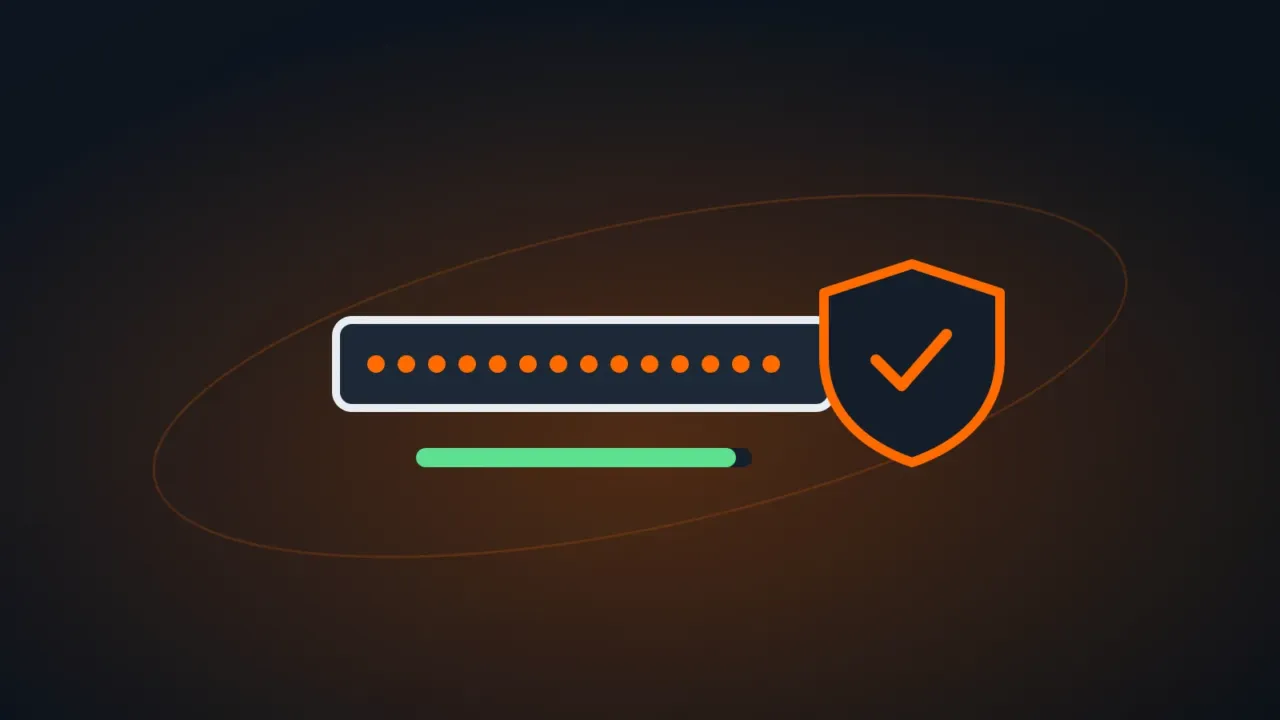
A strong password isn’t the one with the most odd symbols — it’s one that’s long, unique for each service and not in any breach. And since nobody can memorize dozens of passwords like that, the practical answer is a password manager.
In this article
What makes a password strong
| Rule | Why |
|---|---|
| Long: 14 characters or more | Every extra character multiplies the time it takes to crack |
| Unique: a different password for every service | When one site leaks, the same password gets tried on email, banking and social media |
| Unpredictable: no names, dates, teams, “123” or company name | Those are the first combinations attackers try |
Not breached: check at haveibeenpwned.com | Already-leaked passwords end up in the lists used in attacks |
Passphrases: strong and easy to remember
Combine four or five random words that don’t form a known phrase, with a separator. For example (illustration only — don’t use it): saucepan-giraffe-cloud-tractor-lime.
Passphrases are ideal for the few passwords you need to type from memory: your computer, your main email and your password manager’s master password.
Password managers
A password manager stores all your passwords encrypted, fills in logins and generates long, random passwords for every site. You only memorize one: the master password.
- In your browser: Edge, Chrome and Firefox have built-in managers synced to your account — far better than reusing passwords.
- Dedicated apps: managers such as Bitwarden, 1Password and KeePass work across browsers and phones and offer shared vaults for teams.
When choosing one, check for end-to-end encryption, two-step verification, a phone app and, for businesses, controlled sharing and admin-managed account recovery.
Go beyond passwords
- Turn on two-step verification for important services — see how to turn on two-factor authentication.
- Use passkeys where available: they replace the password with your phone’s unlock or Windows Hello and can’t be “phished” by fake pages.
At work
- No passwords in spreadsheets, emails or sticky notes. Use a manager with team vaults.
- Shared accounts (social media, suppliers) go in the vault too — so when someone leaves, you just change the passwords and revoke access.
- Train your team to spot phishing: the world’s strongest password won’t protect someone who types it into a fake site.
FAQ
What if the password manager gets hacked?
Good managers encrypt the vault with your master password, which they don’t know. Still, use a long master password and two-step verification.
Can I write passwords down in a notebook?
A notebook kept at home is safer than reusing one password everywhere — but it doesn’t travel with you and is easy to lose. A manager is more practical.
Is an 8-character password with symbols enough?
Not anymore. Short passwords are cracked quickly once leaked. Go for 14 characters or more — or a passphrase.