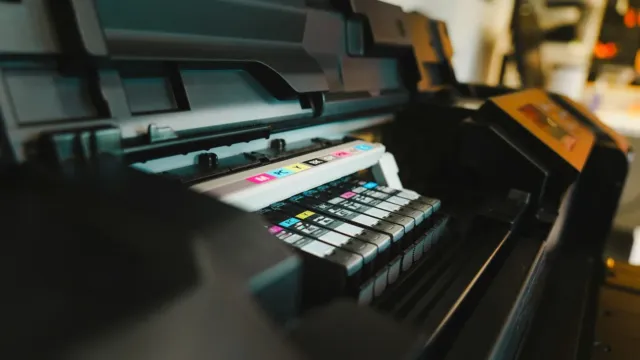
Printer offline in Windows 11: how to get it back online
The printer is on, but Windows shows "Offline" on one PC or on every PC in the office? Find the cause and get the printer back online.
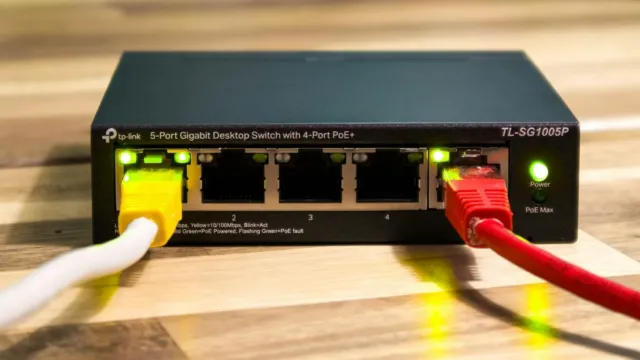
“The network path was not found” when you open the office shared folder or the NAS? Follow 5 steps to find where the connection breaks and fix only what is needed.
The three DNS records that keep your company's email out of spam and make it harder for scammers to send fake invoices from your domain. Setup by provider and how to check it worked.
A shared mailbox (sales@, billing@, info@) in Microsoft 365, step by step, for whoever handles IT at the office. What to ask your admin, how to open it in new Outlook, classic Outlook, the web and your phone, how to send from the team address and how to fix the most common errors.
Does an assistant need to book meetings on a partner's calendar, or a coworker need to adjust the team's appointments? Learn when to give edit or delegate access in Outlook, how to set it up in new and classic Outlook, and how to remove it later.
Excel says it found a problem with some content, that the file is corrupt, or it freezes when you open the company workbook? Follow the right order of attempts, from a safe copy to Open and Repair, previous versions and AutoRecover, and stop it happening again.
Wi-Fi or Ethernet shows as connected, but with "No internet" or "Unidentified network"? Find out whether the problem is your internet provider, the office router or a single PC, and fix it: 169.254 address, gateway, proxy, VPN and network reset.
Windows Security says virus protection is off, or that the setting is managed by your organization? Here's how to identify the cause on each office PC (an expired third-party antivirus, a policy, malware or updates) and get protection running again.
Stuck on "Shutting down", restarting when you shut down, or switched on again by morning? Find the cause in Windows 11 (updates, an open app, fast startup, a device waking the PC) and shut office PCs down without losing files.
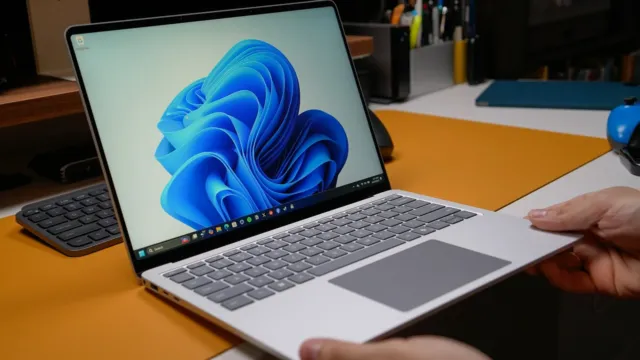
Your PC "doesn't currently meet Windows 11 system requirements"? Check TPM 2.0, Secure Boot and GPT on every office computer, turn on Intel PTT or AMD fTPM without locking BitLocker, and decide what to do with PCs that fail.
An office PC with an unstable Windows 11, or one that's changing hands, doesn't need a USB drive. Here's which official option to use, what to save first and what to set up again afterwards.
A client says they sent it, but the email isn't there? See where the message may have gone, how to check storage, filters, forwarding and an old POP setup and, on Google Workspace, your company domain's MX records.
A new laptop or a visitor has arrived and nobody remembers the office Wi-Fi password? See where Windows 11, Android and iPhone keep it, how to use netsh for saved networks and what to do when no device will show it.
Touchpad not working on your laptop, the cursor won't move or tapping won't click? Follow the right order of checks: the shortcut key, the option for when a mouse is connected, taps, the driver and the BIOS.
The Bluetooth toggle is gone, the meeting headset won't connect or the adapter isn't even in Device Manager? Here's the right order of checks, from airplane mode to the driver and the BIOS, written for whoever looks after an office's PCs.