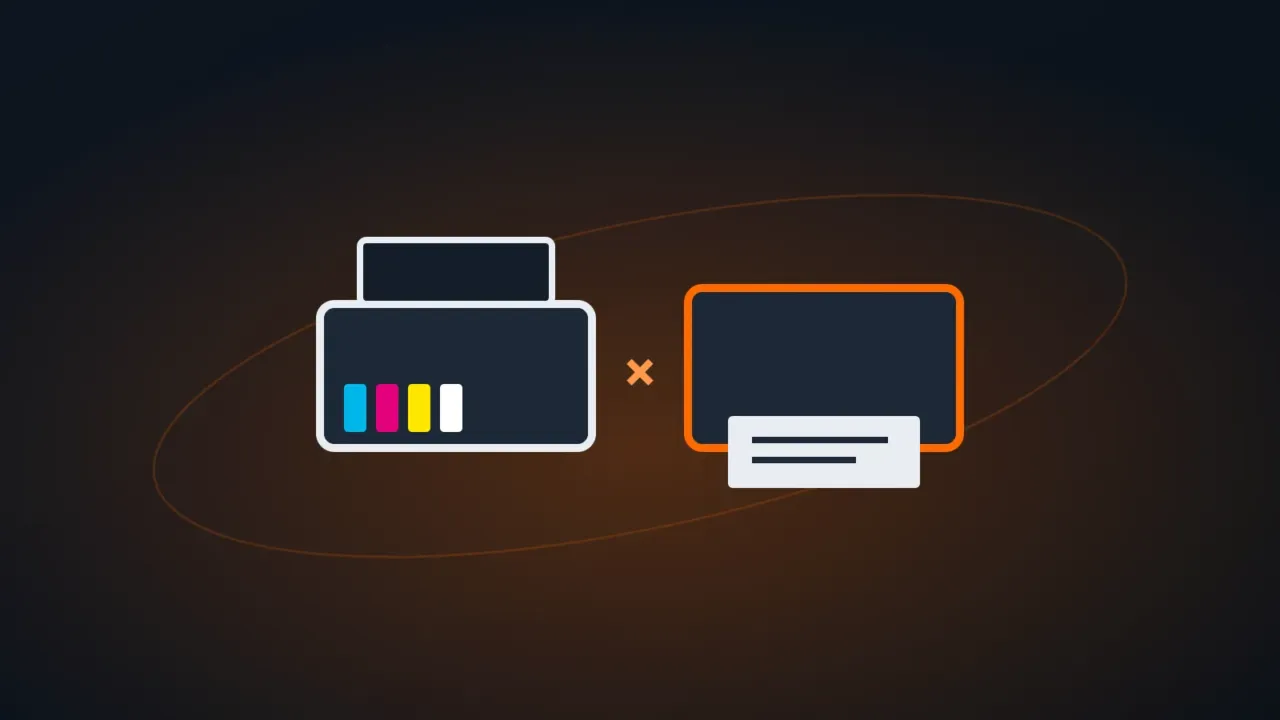
Choosing between an ink tank printer (inkjet with reservoirs you refill from bottles) and a laser printer comes down to three questions: do you need color? how much do you print per month? does the printer sit unused for days?
Quick summary
| Ink tank | Monochrome laser | Color laser | |
|---|---|---|---|
| Cost per black page | Very low | Low | Low |
| Color | Yes, cheap | No | Yes, more expensive |
| Photos | Good | No | Weak |
| Speed | Medium | High | High |
| Sitting unused for several weeks | Can clog the printhead | No problem (toner doesn’t dry out) | No problem |
| Sharp, water-resistant text | Good | Excellent | Excellent |
| Printer price | Medium | Low to medium | High |
Choose an ink tank if…
- You print in color: school projects, materials with a logo, photos.
- You print regularly (at least once a week), which keeps the ink from drying out.
- You want an all-in-one that’s cheap to run, with scanning and copying.
Choose a laser if…
- You print lots of black text: contracts, bills, invoices, reports.
- The printer sits unused for weeks: toner doesn’t dry out.
- It’s an office with several people printing that needs speed and fast double-sided printing.
Costs nobody tells you about
- Ink tank: use genuine ink or ink from a reliable source; the wrong ink clogs the printhead. Some models need the “ink pad” (waste ink reservoir) replaced after heavy use: the warning shows up as a maintenance error.
- Laser: besides toner, the drum (photoconductor) needs replacing from time to time on many models. Check its price before you buy.
- Wi-Fi and network: for several people to print, prefer a model with a network (Ethernet) port: it’s more stable than Wi-Fi.
FAQ
Can a laser printer be plugged into a UPS?
No. The power spike while it warms up can overload the UPS. See UPS vs surge protector vs voltage regulator.
The printer won’t print or shows as offline. What now?
See printer not printing and printer offline.