Skip to content
TECHNOARTH IT for offices and small businesses.

Hardware

Hardware fixes and comparisons: laptops that won’t turn on or overheat, SSDs, RAM, USB, monitors, printers and peripherals.

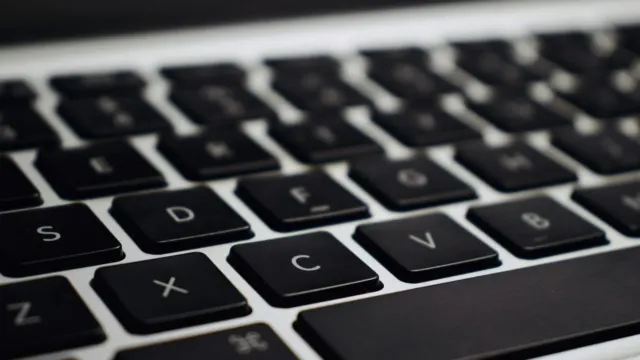
Touchpad not working on Windows 11: how to fix it

Touchpad not working on your laptop, the cursor won't move or tapping won't click? Follow the right order of checks: the shortcut key, the option for when a mouse is connected, taps, the driver and the BIOS.

7 min read

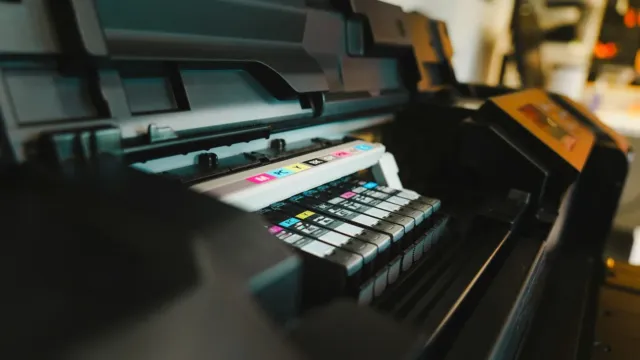
Epson L3250 lights blinking or not printing: office guide

Paper light blinking, ink and paper lights blinking together, every light flashing or a Wi-Fi error: here's what each combination means on the Epson EcoTank L3250 (and close relatives such as the L3150 and L3251) according to Epson's manual, how to clean the print head without wasting ink, and how to keep the printer stable for several office PCs.

7 min read