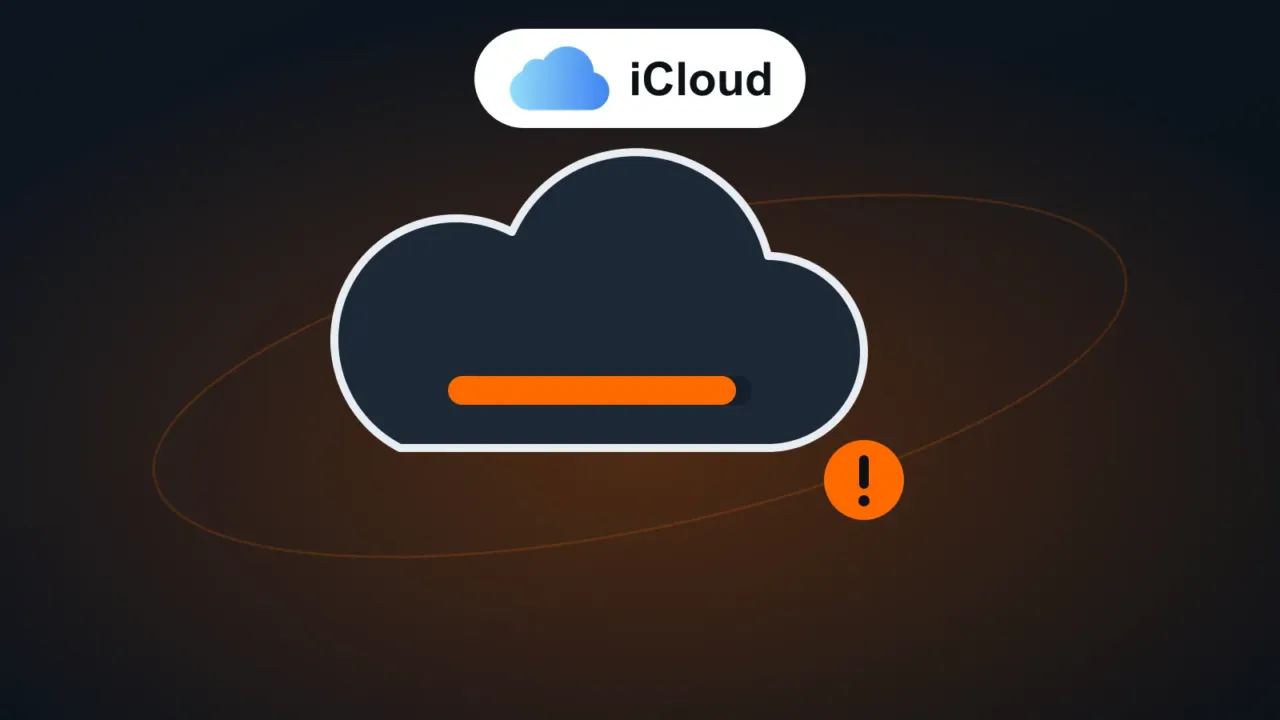
Every Apple Account comes with 5 GB of free iCloud storage, shared between iPhone backup, Photos, iCloud Drive, Messages and iCloud Mail. With high-quality photos and videos, that space runs out quickly, and your iPhone stops backing up.
In this article
1. See what’s taking up space
Settings › [your name] › iCloud › Manage Account Storage (or Storage). The list shows how much each item uses.
2. Delete backups of old devices
Under Manage Account Storage › Backups, delete the backups of iPhones and iPads you no longer use. It’s common to find backups of devices sold years ago.
3. Shrink your current iPhone’s backup
Under Backups › your iPhone, turn off apps that don’t need to be backed up (for example, apps that keep everything in their own cloud). The WhatsApp backup also counts toward iCloud: see WhatsApp backup.
4. Get your photos out of iCloud without losing them
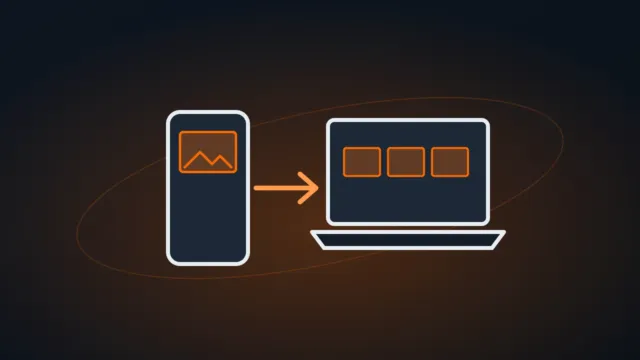
- Copy everything first: move them to your computer (how to transfer photos from your phone to your PC), to an external hard drive or to another cloud (Google Photos, OneDrive).
- Check that the photos open at the destination.
- Only then delete what’s already copied from the Photos app, and empty Deleted (photos stay there for 30 days, taking up space).
5. Other space hogs
- Long videos and 4K videos: they take up the most space.
- Messages: old attachments from conversations. Under Settings › Apps › Messages, set Keep Messages to 1 Year.
- iCloud Drive: large files and forgotten downloads.
- iCloud Mail: messages with large attachments.
Is it worth paying for more storage?
iCloud+ has 50 GB, 200 GB and larger plans, and the larger ones can be shared with your family. It makes sense if you want automatic photo and iPhone backups working without worrying about it. See current prices under Settings › [your name] › iCloud › Upgrade storage. Compare with other cloud services in OneDrive vs Google Drive.
FAQ
My iPhone says its storage is full, not iCloud.
Those are different things: the device’s storage is its internal memory. See phone storage full.
If I turn off iCloud, will I lose my photos?
When you turn off iCloud Photos, the iPhone offers to download the photos to the device. If there isn’t enough space on the iPhone, photos that are only in the cloud won’t be downloaded. Copy them to your computer first.