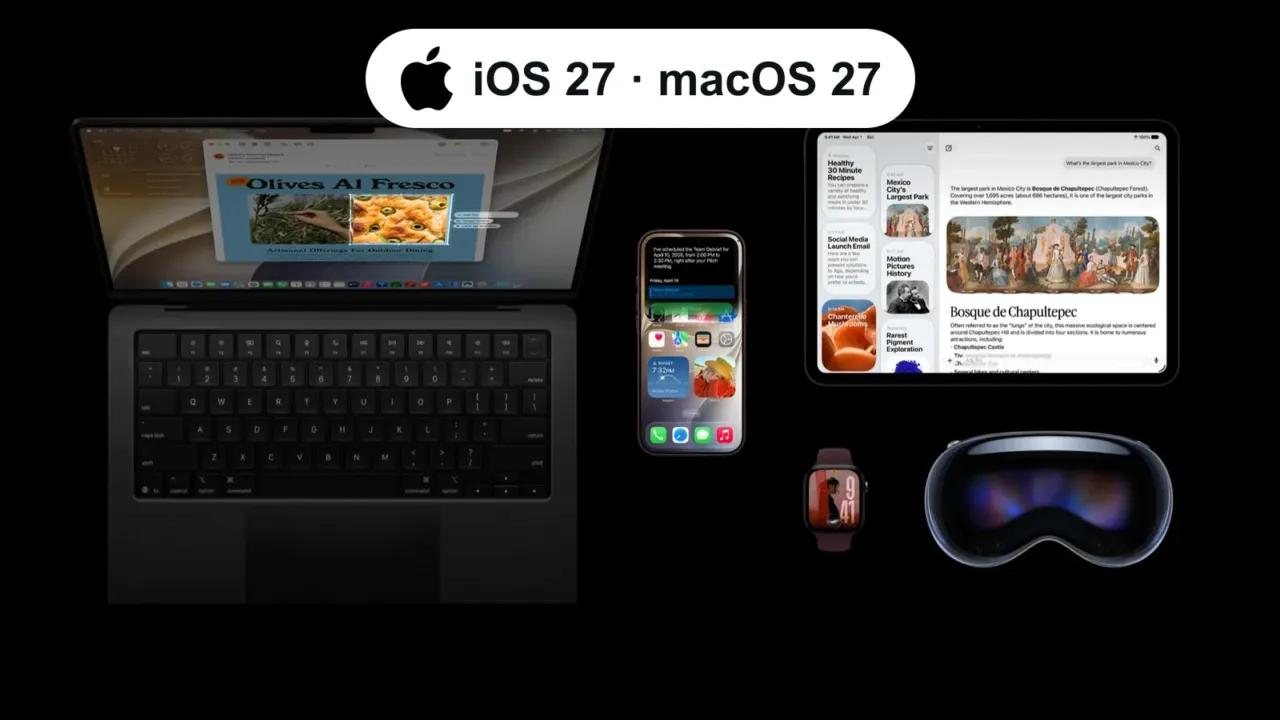
iOS 27 was released to all compatible iPhones on September 14, 2026. The good news: it runs on the same models as iOS 26 — that is, iPhone 11 and later.
In this article
iPhones compatible with iOS 27
According to Apple’s official list:
- iPhone 11, 11 Pro and 11 Pro Max
- iPhone SE (2nd and 3rd generation)
- iPhone 12, 12 mini, 12 Pro and 12 Pro Max
- iPhone 13, 13 mini, 13 Pro and 13 Pro Max
- iPhone 14, 14 Plus, 14 Pro and 14 Pro Max
- iPhone 15, 15 Plus, 15 Pro and 15 Pro Max
- iPhone 16, 16 Plus, 16 Pro, 16 Pro Max and 16e
- iPhone 17, 17 Pro, 17 Pro Max, iPhone Air and 17e
- iPhone 18 Pro and 18 Pro Max
Before updating
- Back up: Settings › [your name] › iCloud › iCloud Backup › Back Up Now, or use your computer.
- Free up space: the update needs a few gigabytes free. Check Settings › General › iPhone Storage.
- Battery above 50% or the iPhone on the charger, and stable Wi-Fi.
- On work iPhones, check with IT: some corporate apps take a while to be approved for the new version.
How to update
- Open Settings › General › Software Update.
- Tap Update Now (or Upgrade to iOS 27, if it shows up as a separate option).
- Enter your passcode and wait: the phone restarts on its own when done. Don’t turn it off during the process.
The update doesn’t show up?
- Check that your model is on the list above (Settings › General › About).
- Make sure there’s no beta profile or company management profile under Settings › General › VPN & Device Management.
- Try again later: Apple’s servers are busy in the first few days.
FAQ
My iPhone is an XS or XR. Now what?
Those models don’t get iOS 26 or iOS 27. They keep working, but without the new features — and over time some apps stop supporting them.
Can I go back to iOS 26?
Only for a short window after release, while Apple still signs the previous version, and by restoring through a computer. In practice, back up first and avoid updating work phones on day one.
I’m getting a new iPhone. Which one?
See what Apple launched in September: iPhone 18 Pro and iPhone Duo.
Sources
- Apple — iPhone models compatible with iOS 27
- MacRumors — iOS 27 is compatible with these iPhone models
Cover image: Apple press image.