September 2026 brought two important updates for Windows 11 versions 24H2 and 25H2: the security update on the 8th and an optional (preview) update on the 24th. Together, they bring back a long-standing user request — moving the taskbar — plus several practical improvements.
In this article
September 8 update (KB5124008)
This is the monthly security update, installed automatically through Windows Update. Besides security fixes, it starts rolling out:
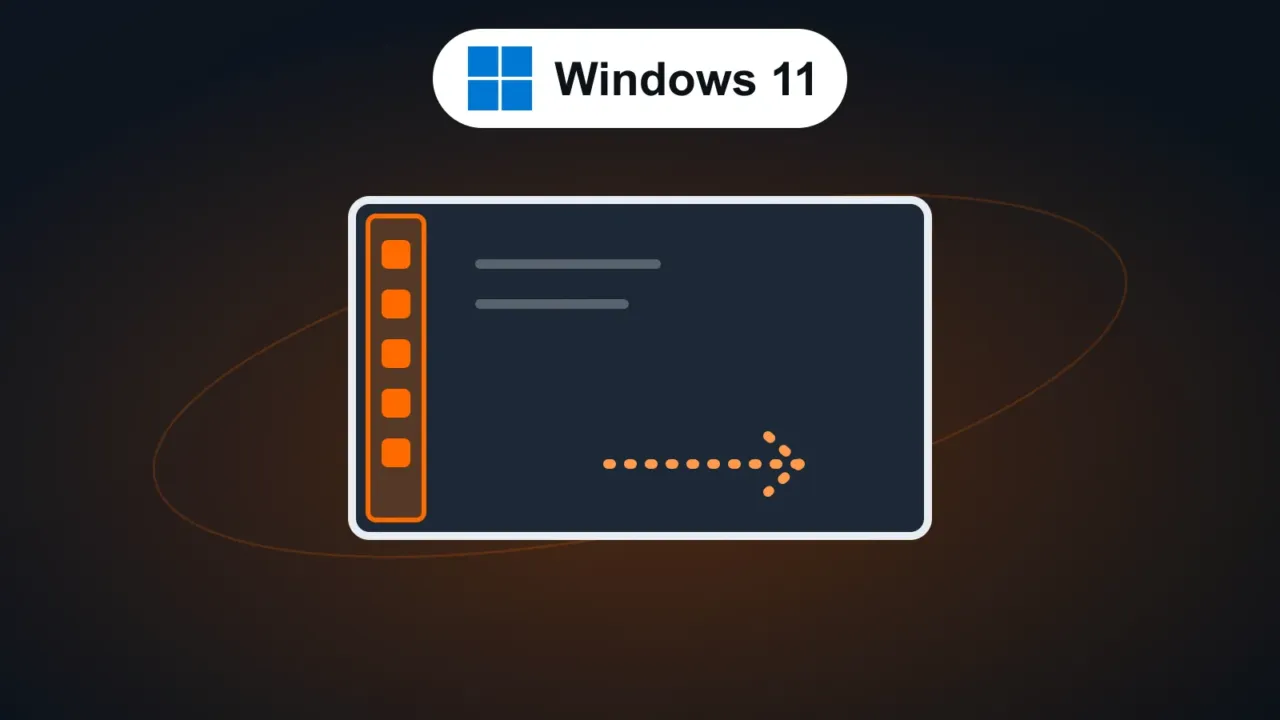
- Taskbar position: the taskbar can sit at the bottom, top, left or right of the screen, plus a smaller taskbar option. The setting is in the taskbar settings, under Settings › Personalization › Taskbar.
- Start menu sizes: size options and a choice of which sections to show.
- Improvements to Windows Search, File Explorer, Task Manager and networking.
September 24 optional update (KB5124010)
This is a preview update with no security fixes that previews what goes into the October update. Highlights:
- Remappable Copilot key: on keyboards with a Copilot key, you can now turn it into Right Ctrl or the context menu key.
- Bluetooth fixes: fixes the case where the Bluetooth radio turned off while the Settings toggle still showed it as on, and crashes during audio streaming. Also see Bluetooth not showing up on Windows 11.
- Open apps maximized: a new accessibility option that opens windows at full size.
- Camera roll backup: a setting to back up your phone’s photos to OneDrive, with a QR code to set it up on the phone.
- Emoji 17.0.
- File History fix: resolves backup failures that appeared after the September security update.
How to install
- Open Settings › Windows Update and click Check for updates.
- The security update (KB5124008) installs as usual.
- The optional one (KB5124010) shows up as an available update to download and install. On work computers, follow IT’s guidance — companies usually wait for the final October release.
If the update fails, see Windows Update error: how to fix it.
FAQ
Is the optional update worth installing?
If you need one of the fixes (Bluetooth or File History), yes. Otherwise, you can wait: the same changes arrive in the October security update.
I installed it and the taskbar position option didn’t show up.
That’s the gradual rollout. Keep Windows updated and wait.
Does this apply to Windows 10?
No. Windows 10 only gets security fixes through the ESU program — see Windows 10 gets updates through October 2027.