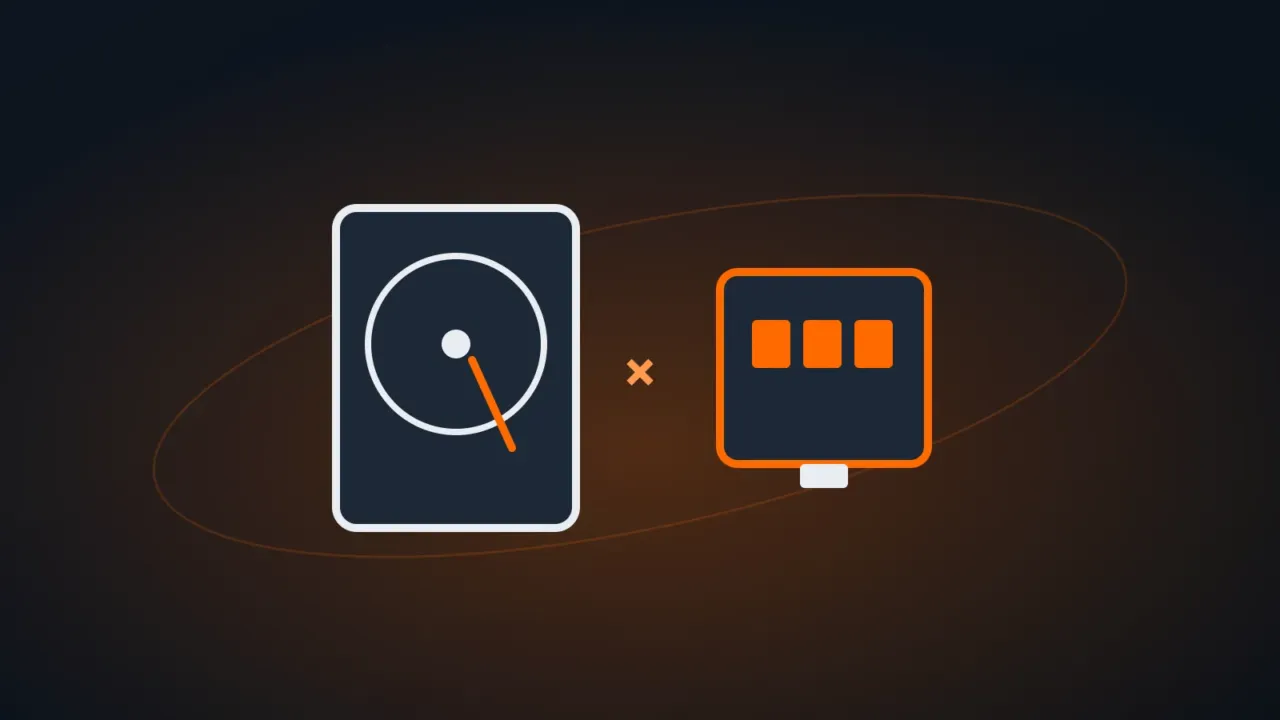
An external hard drive (HDD) uses spinning platters, like older computer hard drives. An external SSD uses flash memory, like an internal SSD or a USB flash drive. Both store files, but each one does better at a different kind of use.
In this article
Quick summary
| External HDD | External SSD | |
|---|---|---|
| Typical speed (USB) | 100 to 150 MB/s | 500 MB/s to 2,000 MB/s or more |
| Price per terabyte | Cheaper | More expensive |
| Resistance to drops and vibration | Fragile (moving parts) | Resistant |
| Size and weight | Larger | Smaller and lighter |
| Noise and heat | Makes noise, runs a little warm | Silent, can get hot during long copies |
| Stored unpowered for years | Good | Not ideal for sitting unpowered for many years |
For each use
- Computer backup (File History, Time Machine, weekly copy): external HDD. Lots of space for little money, and speed isn’t an issue.
- Carrying files around, working directly off the drive, editing video: external SSD. Fast and survives your backpack.
- Game consoles (PS5, Xbox) and PC games: an external SSD to play directly from it; an HDD is fine for storing games you’re not playing.
- Long-term archive (photos and documents kept for many years): external HDD, and plug it in once in a while to check it. Better still: two copies, one of them in the cloud.
What to look for when buying
- Connection: USB-C / USB 3.2 to take advantage of the SSD’s speed. Plugging a fast SSD into a USB 2.0 port makes it as slow as an old flash drive.
- Capacity: for backup, at least twice what you currently have in use on your computer.
- Well-known brands and trustworthy stores: marketplaces have many counterfeit SSDs that report a capacity they don’t actually have and lose files.
FAQ
My external hard drive doesn’t show up on my computer. What now?
How is it different from an internal SSD?
Connection and form factor. To choose an internal SSD, see NVMe vs SATA SSD.
Can I use the same drive on Windows and Mac?
Yes, by formatting it as exFAT. Careful: formatting erases everything, so do it before copying your files.