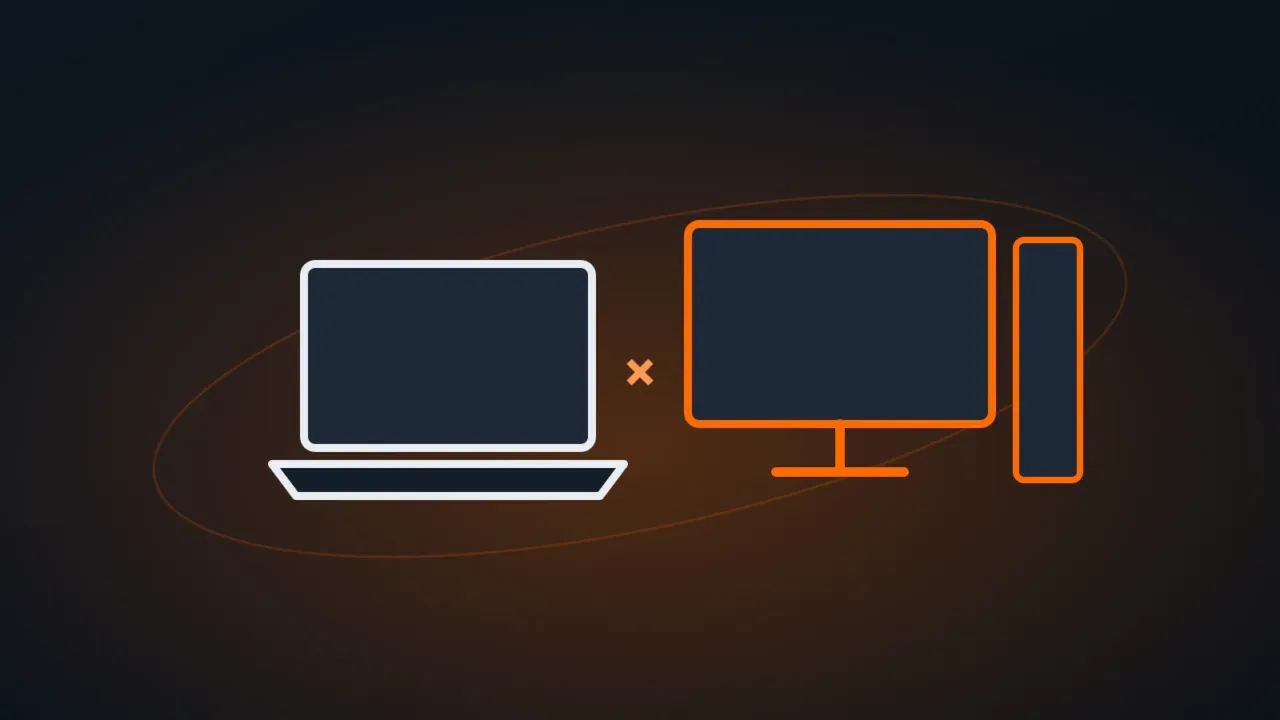
The right question isn’t “which one is better”, but “do I need to take my computer anywhere?”. If the answer is yes, get a laptop. If the computer will always stay on the same desk, a desktop usually delivers more for the same money.
In this article
Quick summary
| Laptop | Desktop | |
|---|---|---|
| Mobility | Yes | No |
| Performance for the same price | Lower | Higher |
| Upgrades (memory, SSD, graphics card) | Limited (sometimes just the SSD) | Easy |
| Repairs | Specific parts, more expensive | Standard parts, cheaper |
| Ergonomics | Needs a stand and an external keyboard and mouse | Monitor at the right height |
| Works during a power outage | Yes (battery) | Only with a UPS |
| Power consumption | Lower | Higher |
For each use
- Full-time home office: a desktop, or a laptop with an external stand, monitor, keyboard and mouse. Working all day looking down at a laptop screen strains your neck and shoulders.
- Hybrid work (home and office): a laptop with a dock or a USB-C cable that connects monitor, network and charger all at once at each desk.
- School: a laptop, for mobility. Prioritize good battery life, 16 GB of RAM and an SSD.
- Gaming: a desktop, for performance, cooling and the ability to swap the graphics card later. Gaming laptops run hotter and cost more for the same performance.
- Businesses with employees at a fixed workstation: a desktop or a mini PC: cheaper, easier to maintain and harder to steal.
What to look for in either one
- RAM: 16 GB as a comfortable minimum. See 8 GB vs 16 GB of RAM.
- An SSD, never a hard drive, as the main drive. See NVMe vs SATA SSD.
- Windows 11 Home or Pro, depending on your use: see Windows 11 Home vs Pro.
- Warranty and service available in your area.
- On laptops with an ARM processor, check compatibility with the programs you depend on: see what changes in Windows on ARM laptops.
FAQ
Does a laptop last less than a desktop?
With care, both last many years. A laptop suffers more from drops, heat and its battery, which wears out. On a desktop, it’s easier to replace the part that broke.
Can I keep my laptop plugged in all the time?
Yes. If the manufacturer offers an option to limit charging to 80% (in the laptop’s utility app), turn it on to preserve the battery. If it isn’t charging, see laptop plugged in but not charging.