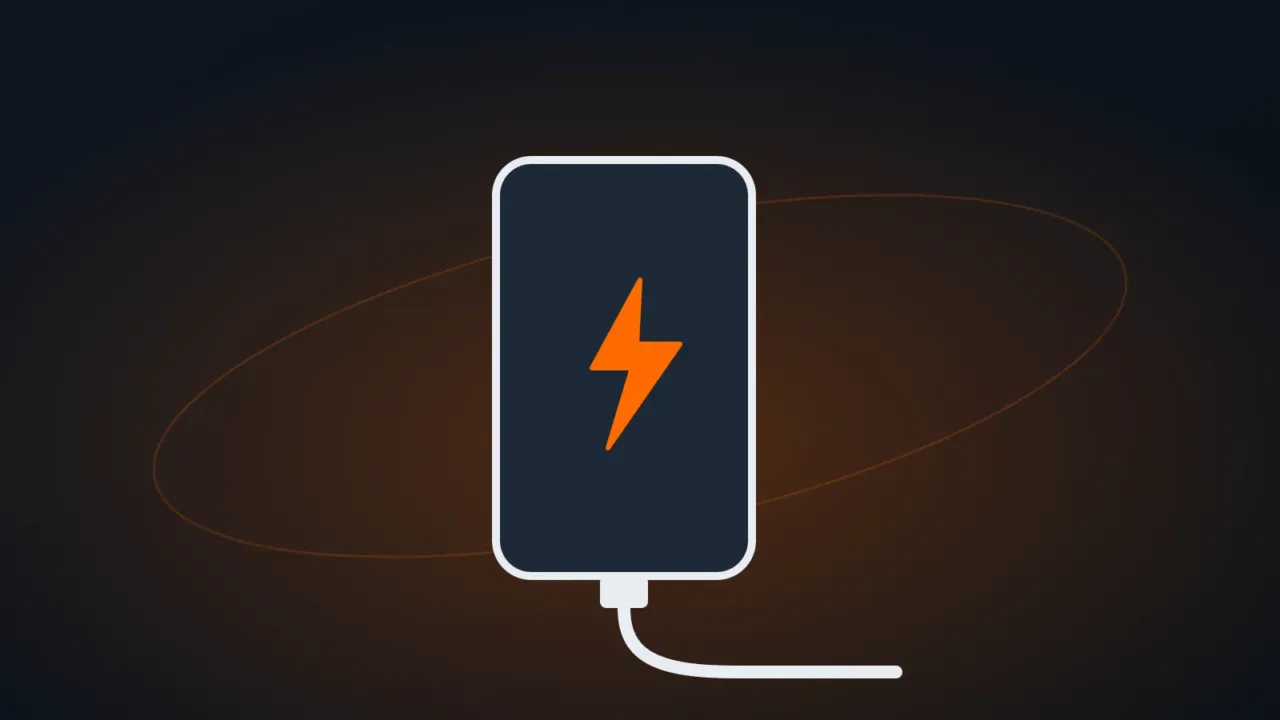
Most of the time, the problem is the cable, the charger or dirt in the phone’s port — not the battery. Follow the order below, from the simplest fix to the most expensive.
In this article
1. Swap the cable, charger and outlet
- Try another cable and another charger that work on a different device.
- Plug straight into a wall outlet, not a computer’s USB port, a power strip or the car.
- Cheap cables and counterfeit chargers charge slowly, get hot and can damage your phone. Stick with the original or well-known brands.
2. Clean the charging port
Dust and pocket lint build up inside the USB-C or Lightning port and keep the plug from seating all the way.
- Turn off the phone.
- Shine a flashlight into the port.
- Carefully remove the debris with a thin wooden or plastic toothpick. Never use a needle, paper clip or any metal object.
- Don’t blow into it (moisture from your breath makes things worse) and don’t use liquids.
3. Moisture or temperature warning
- “Moisture detected” (common on Samsung): the phone blocks wired charging to protect the port. Let it dry in a well-ventilated spot for a few hours. Don’t use a hair dryer or rice. In the meantime, wireless charging still works, if your model has it.
- Phone too hot or too cold: charging pauses on its own. Wait for it to return to room temperature. See phone overheating.
4. Restart and update
Restart the phone with the charger connected. Update the system: software glitches sometimes make the percentage get stuck or keep the phone from recognizing the charger.
5. Is it the battery?
Signs of a battery at the end of its life:
- It drains very fast or shuts off at 20% or 30%.
- It charges up to a certain point and stops.
- It’s swollen: the screen or back cover is lifting. Stop using and charging it immediately and take it to a repair shop: a swollen battery can catch fire.
On iPhone, check Settings › Battery › Battery Health & Charging; below 80% maximum capacity, a replacement is usually recommended. On Android, check Settings › Battery or the manufacturer’s support app. See also phone battery draining fast.
FAQ
Can I use my laptop charger on my phone?
Laptop USB-C PD chargers work with most USB-C phones: the phone only draws the power it supports. Chargers with the laptop’s own proprietary connector don’t.
Does charging overnight ruin the battery?
Current phones stop charging when they reach 100% and have optimized charging, which holds at 80% and finishes close to the time you usually wake up. Leave that option on.