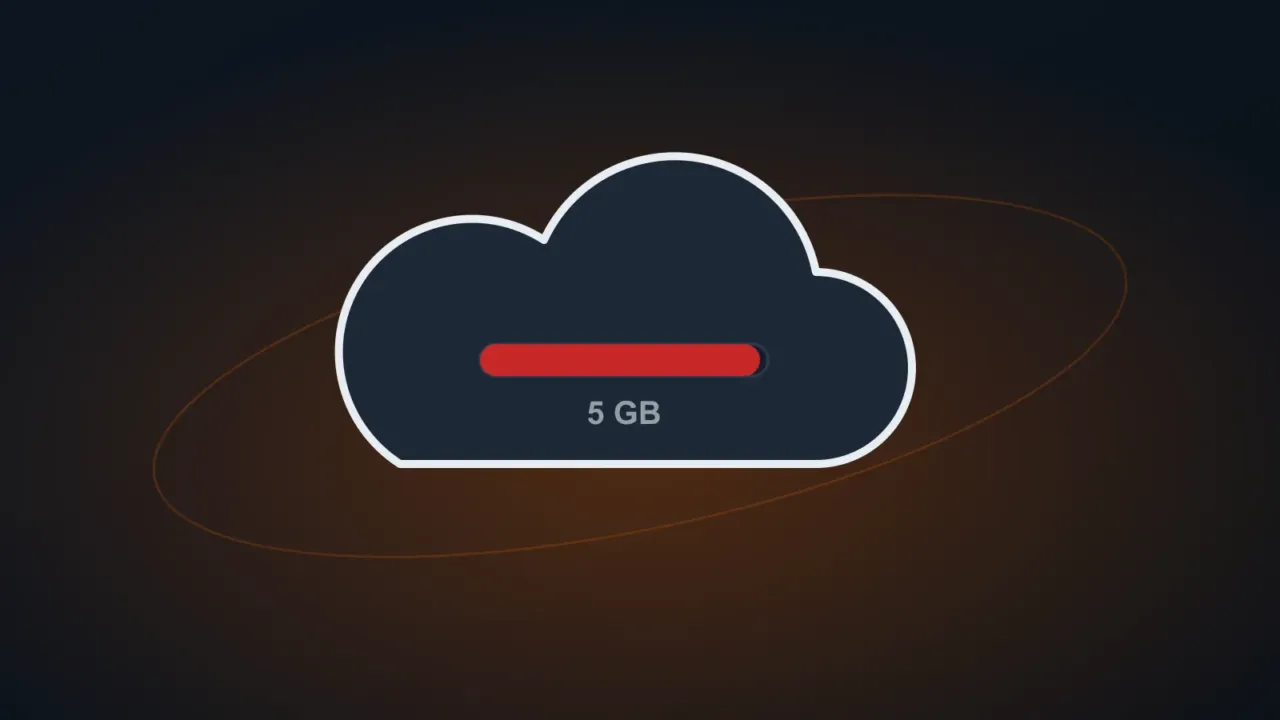
The OneDrive icon shows a storage full warning, files stop syncing and — on personal accounts — Outlook.com/Hotmail may stop receiving email? Microsoft’s free account includes 5 GB of cloud storage, which fills up fast with photos and automatic backups.
In this article
Step 1: see what’s taking up space
Go to onedrive.live.com, click the gear › OneDrive settings › Manage storage (or open your Microsoft account’s storage dashboard). The What’s taking up space list shows the largest files and folders.
Step 2: empty the OneDrive recycle bin
Deleted files go to the OneDrive Recycle bin and still count toward your storage until it’s emptied. At onedrive.live.com › Recycle bin, click Empty recycle bin (first check there’s nothing you want back).
Step 3: turn off the backups that fill the cloud
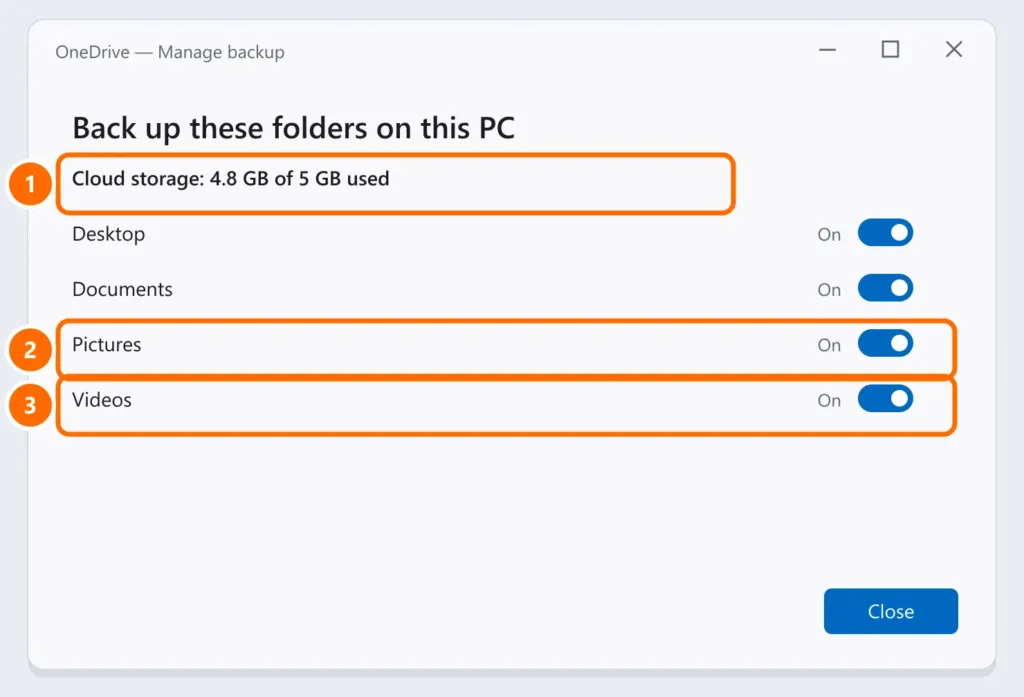
- PC folders: on the OneDrive icon › gear › Settings › Sync and back up › Manage back up. Turn off Pictures and Videos if they don’t need to be in the cloud.
- Phone: Camera upload in the OneDrive app sends every photo and video. Turn it off in the app or choose another destination.
Turning off backup doesn’t delete what’s already in the cloud: move what doesn’t need to be there to an external drive — see the 3-2-1 backup rule.
Step 4: move large files elsewhere
Videos and old backup folders are usually the biggest. Download them to an external drive and delete them from OneDrive (and the recycle bin).
Step 5: need more space?
Microsoft 365 Personal and Family plans include 1 TB per person. On work accounts (Microsoft 365 business), each user usually has 1 TB — if it’s full, talk to IT.
FAQ
OneDrive is slowing down my PC.
Syncing uses disk and network. See 100% disk usage on Windows 11 and, if you like, pause syncing from the OneDrive icon.
My files disappeared from the computer after changing OneDrive settings.
If you turned off backup for a folder, the files are still in OneDrive: go to onedrive.live.com and download them. If they were deleted, check the recycle bin (30 days).
I don’t want to use OneDrive anymore.
Go to Settings › Account › Unlink this PC. First, download anything that’s only in the cloud.