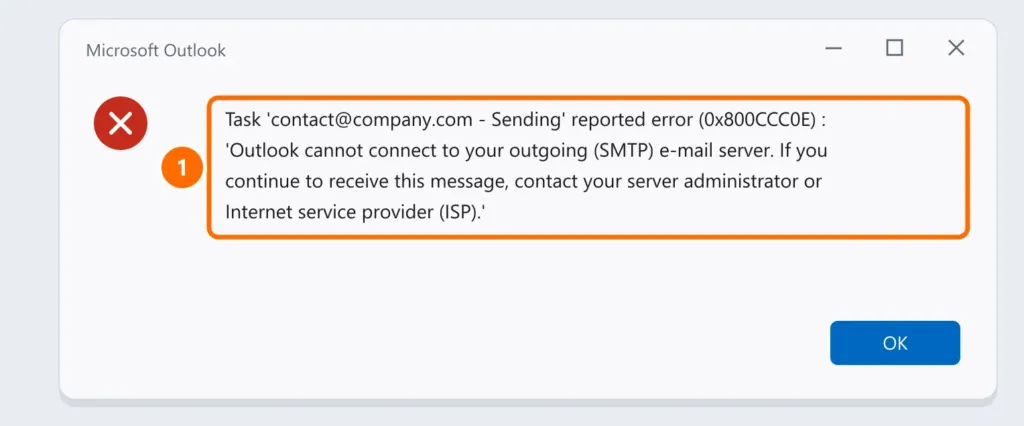
Has Outlook stopped receiving messages, are emails stuck in the Outbox, or do you see error 0x800CCC0E (“unable to connect to the server”)? First find out whether the problem is your email account or Outlook; then follow the steps in order.
In this article
Step 1: test webmail
Sign in to your email’s webmail in a browser (for example, outlook.office.com for Microsoft 365, or your provider’s webmail).
| In webmail | It means |
|---|---|
| Sending and receiving work | The problem is Outlook on your computer — follow the steps below |
| It doesn’t work either | The problem is the account: password, full mailbox, license or provider |
Step 2: turn off Work Offline
In classic Outlook, open the Send / Receive tab and check whether Work Offline is on (the button is highlighted and the status bar says “Working Offline”). Click it to turn it off, then press F9 to send and receive.
Step 3: check servers, ports and encryption
For IMAP or POP accounts (hosting email, regional providers), 0x800CCC0E is almost always a settings problem.
- Open File › Account Settings › Account Settings.
- Select the account, click Change, then More Settings.
- On the Advanced tab, compare the ports and encryption with your provider’s instructions.
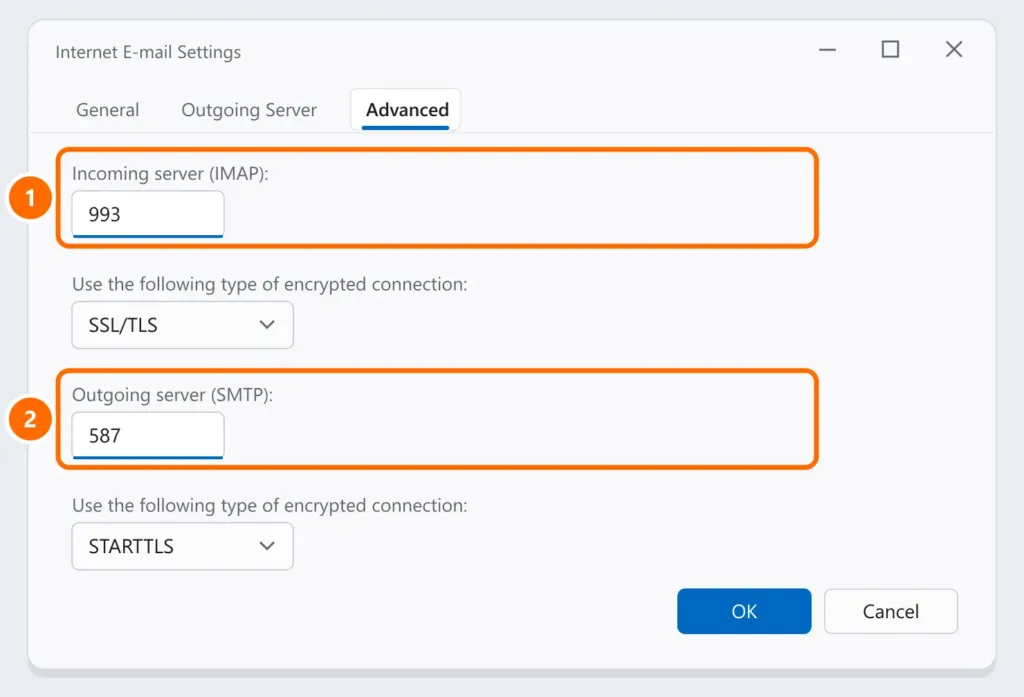
| Protocol | Port | Encryption |
|---|---|---|
| IMAP (incoming) | 993 | SSL/TLS |
| POP3 (incoming) | 995 | SSL/TLS |
| SMTP (outgoing) | 587 | STARTTLS |
| SMTP (outgoing, alternative) | 465 | SSL/TLS |
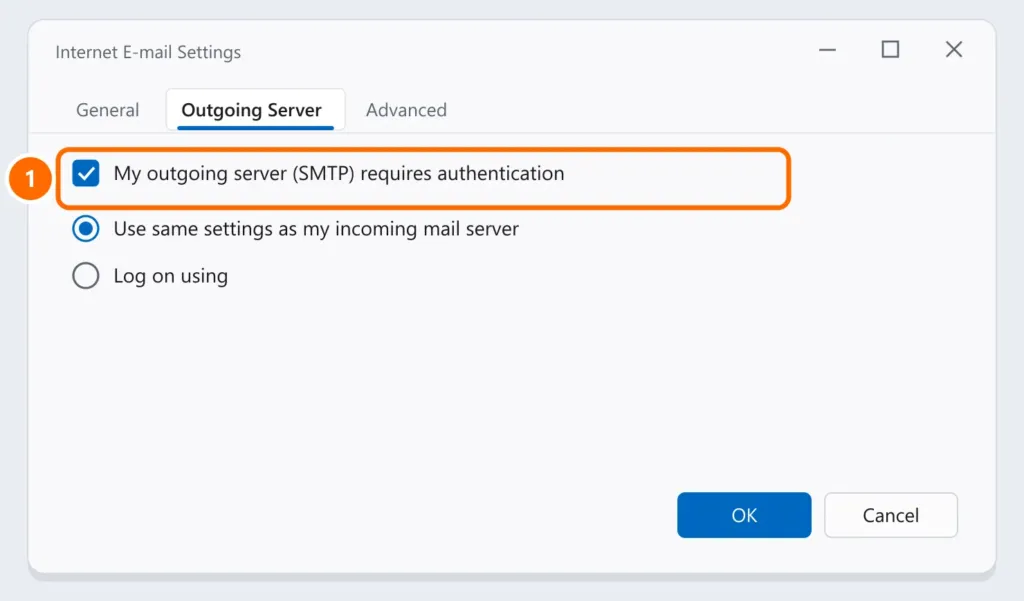
- On the Outgoing Server tab, check My outgoing server (SMTP) requires authentication.
To confirm your computer can reach the server, test the port in PowerShell (use your provider’s server):
Test-NetConnection -ComputerName smtp.yourdomain.com -Port 587Step 4: start Outlook in safe mode
Faulty add-ins can block sending and receiving. Press Windows + R and run:
outlook.exe /safeIf it works that way, turn off add-ins under File › Options › Add-ins and re-enable them one at a time.
Step 5: create a new profile
A corrupted profile causes errors no setting can fix.
- Close Outlook and open Control Panel › Mail (search for “Mail” in Control Panel).
- Click Show Profiles › Add, name it and set up the account again.
- Select Always use this profile with the new profile and open Outlook.
New Outlook and Microsoft 365
- The new Outlook for Windows doesn’t have these advanced settings screens: if it won’t sync, remove the account under Settings › Accounts and add it again.
- For Microsoft 365 accounts, check whether the password changed, whether two-factor authentication is waiting for approval and whether the license is active in the admin center.
FAQ
What does error 0x800CCC0E mean?
Outlook couldn’t connect to the mail server. The most common causes are the wrong server, port or encryption, an unstable connection, or antivirus and firewall blocking.
Emails are stuck in the Outbox. What should I do?
Check Work Offline (step 2), outgoing server authentication (step 3) and very large attachments; messages above your provider’s limit won’t send.
The emails I send land in recipients’ spam.
That’s a domain setting, not an Outlook one. See how to set up SPF, DKIM and DMARC.