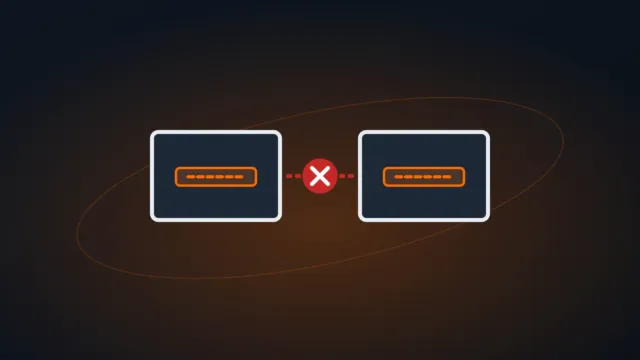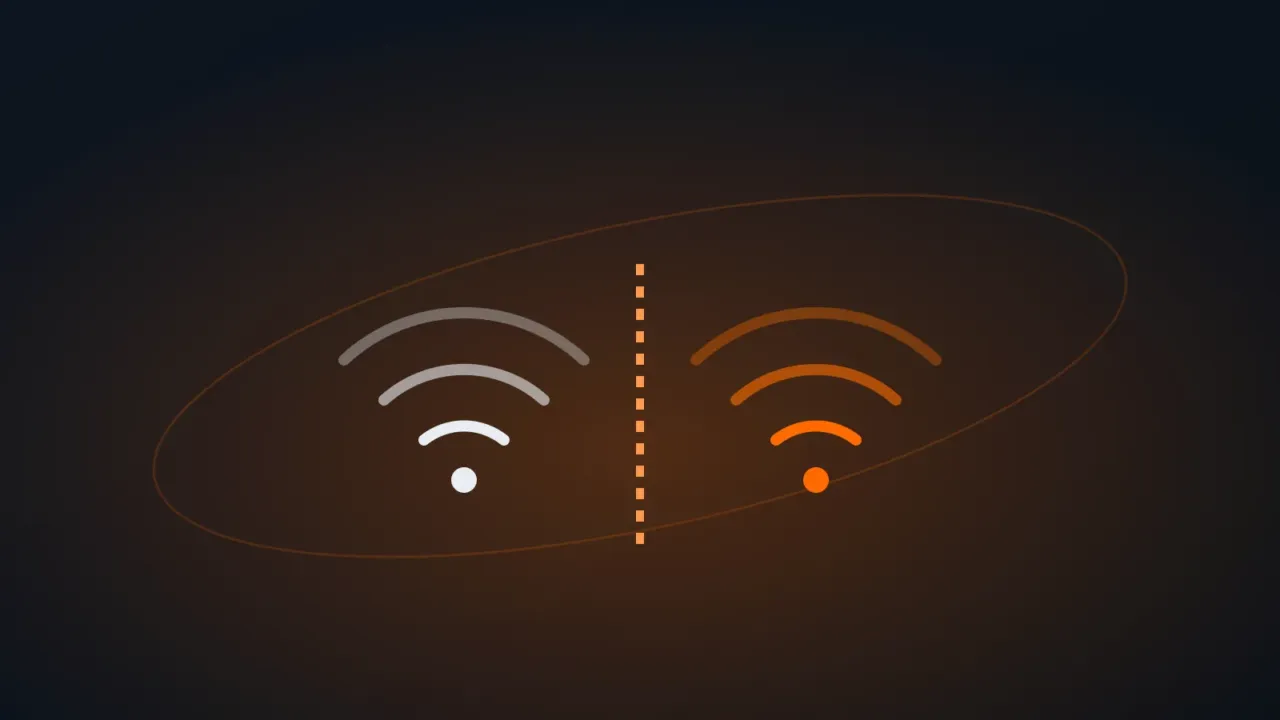
Giving your main Wi-Fi password to customers, contractors and visitors puts them on the same network as your computers, printers, cameras and shared folders. An infected phone or a malicious person can then see everything. The solution is a guest network: internet yes, access to the internal network no.
In this article
Step 1: check whether your router has a guest network
Most current routers have the feature, under names like Guest Network or Guest Wi-Fi. Open the router’s admin page (usually 192.168.0.1 or 192.168.1.1, printed on the device label) and look in the Wireless menu or a section of its own.
Step 2: set up the network
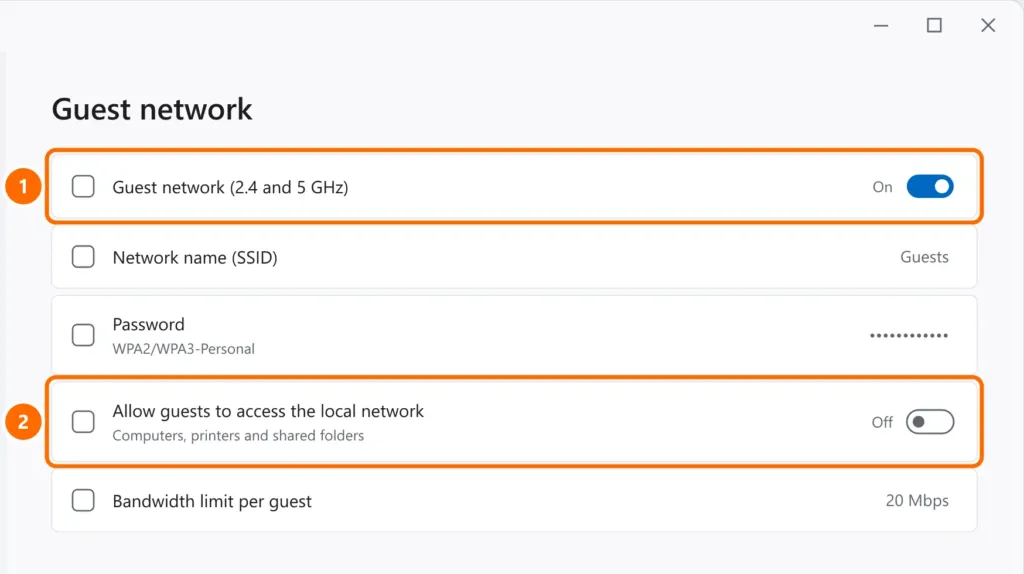
- Turn on the guest network on the bands you want (2.4 and 5 GHz).
- Give it a clear name (for example,
Company-Guests) and its own password, different from the main network, with WPA2 or WPA3 security. - Turn off the option that lets guests access the local network (sometimes called isolation or intranet access).
- If available, set a bandwidth limit per guest so visitors don’t slow down the internet for your team.
Best practices
- Change the guest password regularly (for example, monthly) and whenever a contractor finishes their work.
- Put the password on a sign with a QR code at reception instead of reading out the main network password.
- “Smart home” devices (TVs, bulbs, cheap cameras) can also live on the guest network, away from your computers.
- Keep the router firmware up to date.
If your router doesn’t have this feature
- Many ISP routers have the option in an advanced menu — look for it or ask your provider’s support.
- An extra router or access point with a guest network does the job at home and in small offices (see how to set up a router as a repeater).
- In larger businesses, the ideal is a separate VLAN with access control — talk to whoever manages your network.
FAQ
Can visitors on the guest network see my computer?
No, as long as local network access is turned off (step 2). For safety, also keep shared folders password-protected — see how to share a folder on the network.
Does a guest network make the internet slower?
It shares the same connection. Use the bandwidth limit if visitors use a lot.
Do guests need to register or log in?
For normal office use, a password is enough. Networks open to the general public, as in stores, may have their own rules — check with your legal advisor or internet provider.