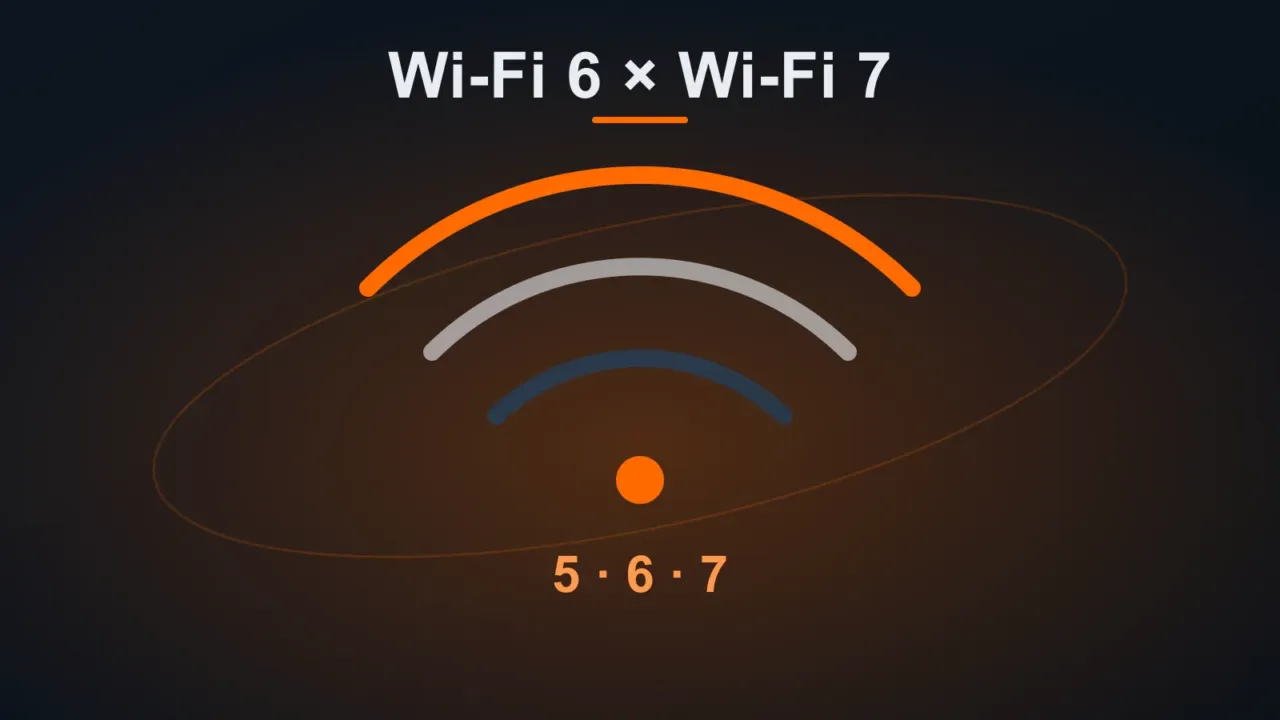
Wi-Fi’s marketing names got numbers to make things simpler: Wi-Fi 5 (802.11ac), Wi-Fi 6 (802.11ax), Wi-Fi 6E (Wi-Fi 6 on the 6 GHz band) and Wi-Fi 7 (802.11be). Each generation is faster and handles lots of devices better, but it only runs at full speed if the router and the device are the same generation.
In this article
Quick summary
| Standard | Bands | Highlights | Best for |
|---|---|---|---|
| Wi-Fi 5 | 5 GHz (with 2.4 GHz on Wi-Fi 4) | Still common; fine for a few devices | People who already have it and are happy |
| Wi-Fi 6 | 2.4 and 5 GHz | Much better with lots of devices at once; saves battery | The best choice today for most homes and offices |
| Wi-Fi 6E | 2.4, 5 and 6 GHz | Interference-free 6 GHz band, with shorter range | Apartments with lots of neighboring networks |
| Wi-Fi 7 | 2.4, 5 and 6 GHz | 320 MHz channels and connection on several bands at once (MLO) | Internet faster than 1 Gbps and new compatible devices |
See which standard your PC is using
In Windows 11, open Settings › Network & internet › Wi-Fi › the connected network’s Properties and check the Protocol and Network band:
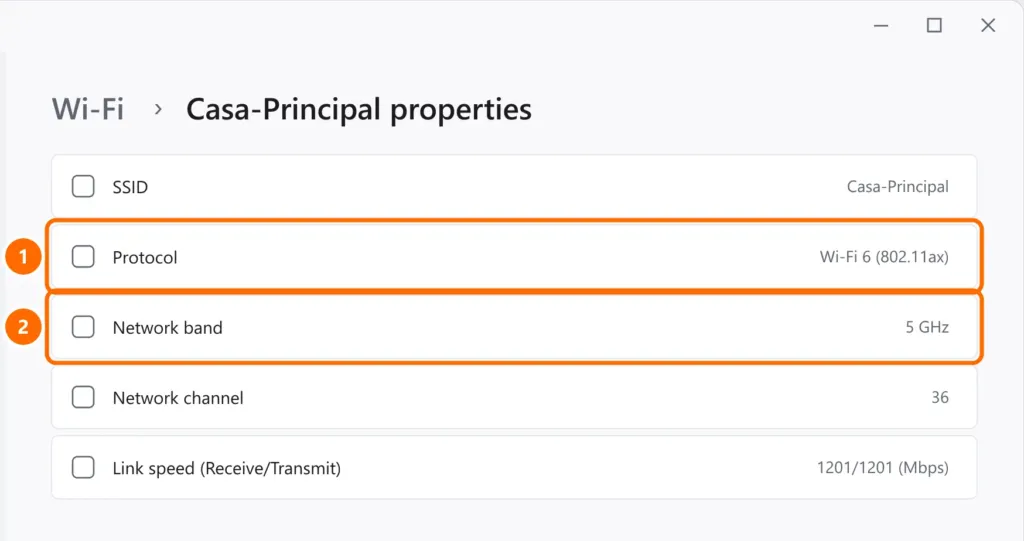
If a recent laptop shows Wi-Fi 5 with a Wi-Fi 6 router, the PC may be connected on the 2.4 GHz band or have an outdated driver. On a phone, the model’s specifications list the supported standard.
Which one to buy
- Internet up to 500 Mbps and devices from 2020 onward: a good Wi-Fi 6 router is more than enough.
- Internet of 1 Gbps or more, new phones and laptops: Wi-Fi 6E or Wi-Fi 7 start to make a difference.
- Large home or lots of walls: coverage matters more than the generation. A Wi-Fi 6 mesh system covers better than a single Wi-Fi 7 router. See how to improve your Wi-Fi signal.
- Office: prioritize routers with a guest network, frequent firmware updates and, if possible, managed access points.
What matters more than the generation
- Router placement: up high, in the center of the home, away from microwaves and mirrors.
- Strong password and WPA3 (or WPA2/WPA3), with WPS turned off.
- Wire up stationary devices: TVs, game consoles and desktop PCs perform better on a wired network. See Cat5e vs Cat6 Ethernet cable.
FAQ
Does a Wi-Fi 7 router work with an older phone?
Yes: all generations are compatible with each other. But the older device connects at its own generation’s speed.
Is Wi-Fi “5G” the same as a phone’s 5G?
No. In Wi-Fi, “5G” is usually the name of the 5 GHz network. A phone’s 5G is the fifth generation of the carrier’s mobile network.