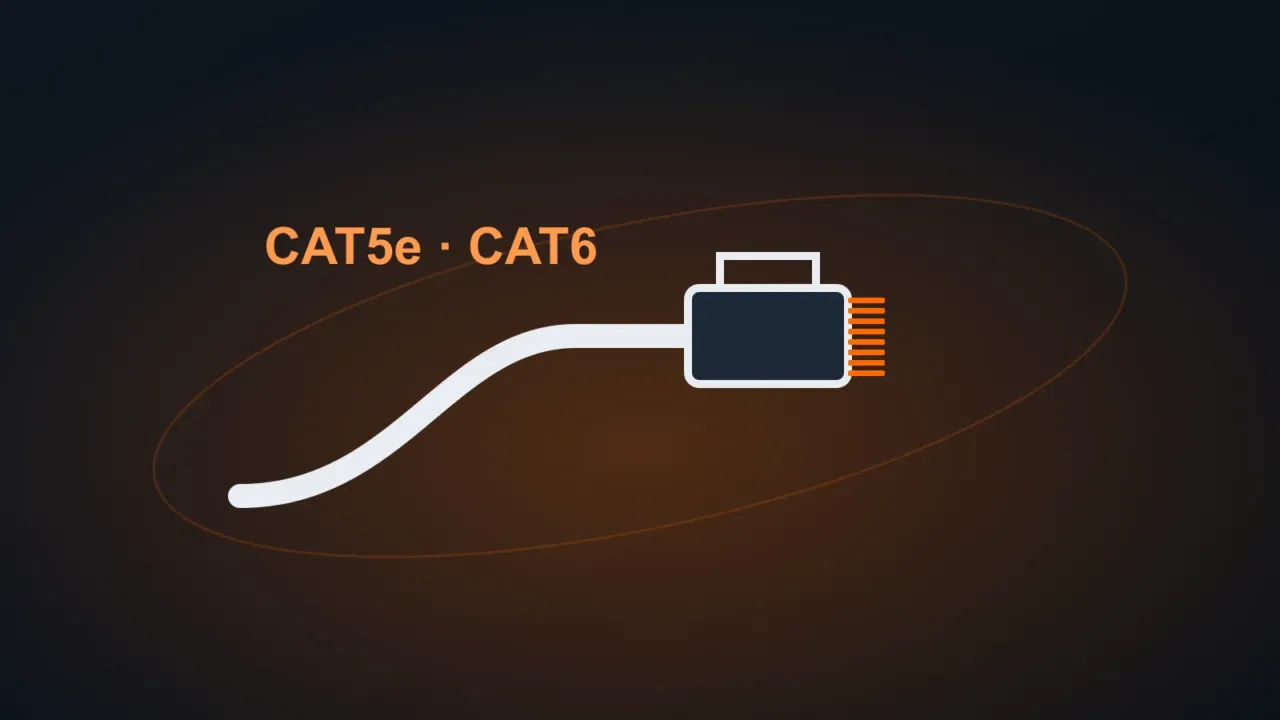
An Ethernet cable is still the most stable and fastest way to connect a computer, TV, game console or server to the router. But the packaging shows several categories: Cat5e, Cat6, Cat6a… Which one actually makes a difference?
In this article
Quick summary
| Category | Speed | Maximum distance at that speed | Best for |
|---|---|---|---|
| Cat5e | 1 Gbps | 100 m | Homes and offices with internet up to 1 Gbps |
| Cat6 | 1 Gbps (100 m) / 10 Gbps up to about 55 m | 100 m | New installations, internet above 1 Gbps over short runs |
| Cat6a | 10 Gbps | 100 m | Businesses, servers, cabling meant to last many years |
In practice: if your internet and router are up to 1 Gbps (true for most people), a good Cat5e delivers the same speed as Cat6. Cat6 is worth it for new installations (the price difference is small) and for anyone already planning a 2.5 Gbps or 10 Gbps network.
What matters more than the category
- Real copper: look for “100% copper”. CCA cables (copper-clad aluminum) are cheaper, run hot, lose signal and break more easily. Avoid them.
- A well-crimped connector: a poorly made connector drops the speed to 100 Mbps or makes the connection cut out.
- Don’t run it alongside electrical wiring in the same conduit: it causes interference.
- Router and network card ports: if they’re Fast Ethernet (10/100), the limit will be 100 Mbps no matter what cable you use.
How to check that the cable is delivering 1 Gbps
Open Settings › Network & internet › Ethernet and look at Link speed (Receive/Transmit).
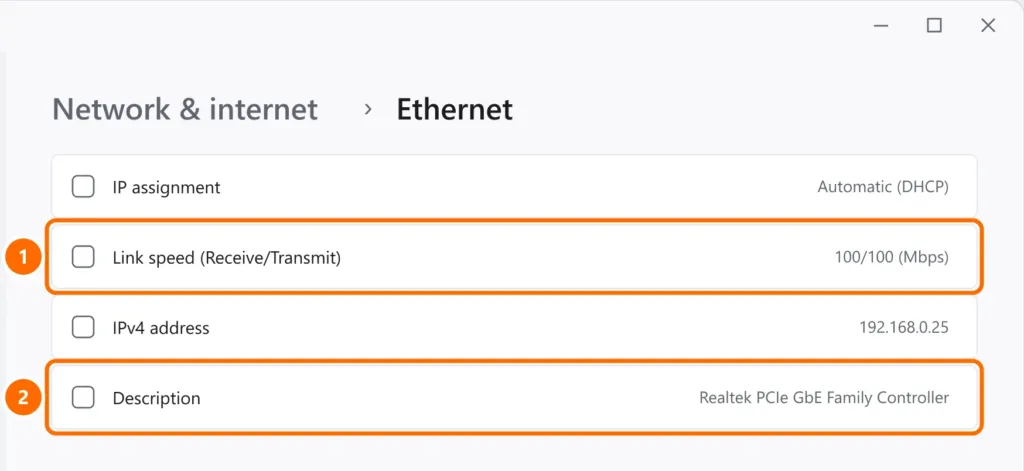
- 1000/1000 (Mbps): all good.
- 100/100 (Mbps) with a Gigabit network card: a problem with the cable or connector. Try another cable or redo the crimp.
What about Wi-Fi?
For laptops and phones, Wi-Fi works well. For a desktop PC, TV, game console or server, a cable is still better: less fluctuation and lower latency. If the problem is weak Wi-Fi, see how to improve your Wi-Fi signal.
FAQ
Is Cat7 or Cat8 cable better for home?
It brings no gain at home: those categories use connectors and shielding designed for data centers. For home and office, Cat6 or Cat6a is enough.