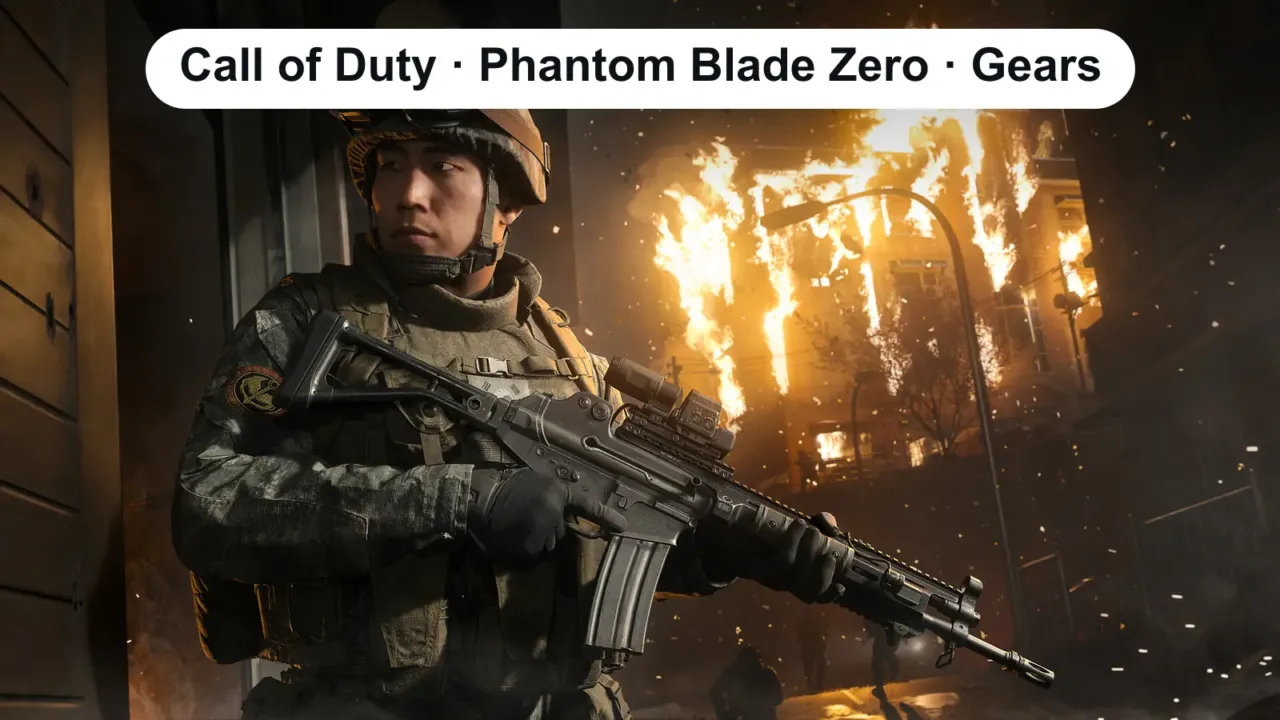
October brings three demanding PC releases. Before you buy, compare the requirements with your computer. All three have one thing in common: they require an SSD.
In this article
Release dates and platforms
| Game | Launch | Platforms |
|---|---|---|
| Gears of War: E-Day | October 6 (also on PC Game Pass) | Xbox Series X and S, PC (Steam, Xbox app, PC Game Pass) |
| Call of Duty: Modern Warfare 4 | October 23 | PS5, Xbox Series X and S, PC, Switch 2 |
| Phantom Blade Zero | October 28 (29 in some time zones) | PS5, PC |
Call of Duty: Modern Warfare 4
| Minimum | Recommended | |
|---|---|---|
| OS | Windows 10 64-bit | Windows 11 64-bit |
| Processor | Ryzen 5 1600 / Core i5-8400 | Ryzen 5 3600 / Core i7-8700 |
| Memory | 12 GB | 16 GB |
| Graphics card | RX 470 / GTX 970 or 1060 / Arc A580 (3 GB) | RX 6700 XT / RTX 3060 Ti / Arc B580 (8 GB) |
| Storage | 70 GB on SSD (at launch) | 70 GB on SSD |
Gears of War: E-Day
| Minimum | Recommended | |
|---|---|---|
| OS | Windows 10 64-bit (22H2) | Windows 11 64-bit (25H2) |
| Processor | Ryzen 5 2600X / Core i5-10400 | Ryzen 5 5600 / Core i5-11600K |
| Memory | 12 GB | 16 GB |
| Graphics card | RTX 2060 / RTX 5050 / RX 6600 | RTX 3060 Ti / RTX 5060 / RX 6700 XT |
| Storage | 115 GB on SSD | 115 GB on SSD |
Heads up: the game requires a graphics card with hardware ray tracing. Cards like the GTX 1060, GTX 1660 and RX 580 won’t run it, even if they’re powerful enough for other games.
Phantom Blade Zero
| Minimum | Recommended | |
|---|---|---|
| OS | Windows 10 or 11 (64-bit) | Windows 10 or 11 (64-bit) |
| Processor | Core i7-8700K / Ryzen 5 3600 | Core i5-10600K / Ryzen 5 5600X |
| Memory | 16 GB | 16 GB |
| Graphics card | GTX 1660 6 GB / RX 5500 XT 8 GB | RTX 3060 Ti 8 GB / RX 6700 XT 12 GB |
| Expected performance | 1080p at 30 FPS with upscaling | 1440p at 60 FPS with upscaling |
| Storage | SSD installation required | SSD installation required |
How to check your PC
Open Settings › System › About and compare your processor, memory, storage and graphics card with the tables:
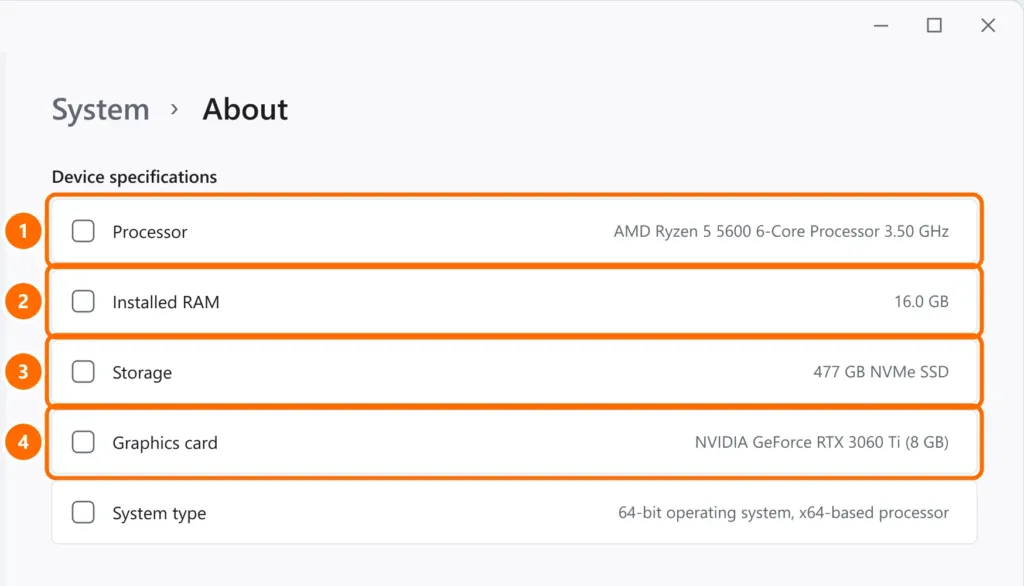
If Windows doesn’t show your graphics card on that screen, press Ctrl + Shift + Esc and check Performance › GPU in Task Manager.
If your PC is borderline
- Memory: 16 GB has become the standard for current games. See 8 GB vs 16 GB of RAM.
- Storage: games on a hard drive stutter or won’t even install. See NVMe vs SATA SSD and how to free up disk space.
- Graphics driver: install the latest version (NVIDIA App, AMD Software or Intel Arc Control) before launch.
- Windows on ARM laptops: many games with anti-cheat systems don’t run on ARM. See what changes with Windows on ARM laptops.
FAQ
My PC can’t run it. Is there an alternative?
Gears of War: E-Day is on Game Pass Ultimate, which includes cloud gaming (Xbox Cloud Gaming) on compatible devices: you can play even on a weaker PC, depending on your internet connection.
Is it worth buying before testing?
On Steam, you can request a refund within 14 days of purchase, with less than 2 hours of playtime. Test it on day one.
Sources
- Activision — Modern Warfare 4 PC system requirements
- Steam — Gears of War: E-Day
- Steam — Phantom Blade Zero
- Xbox Wire — Gears of War: E-Day: pre-install and PC specs
Cover image: Activision press image.