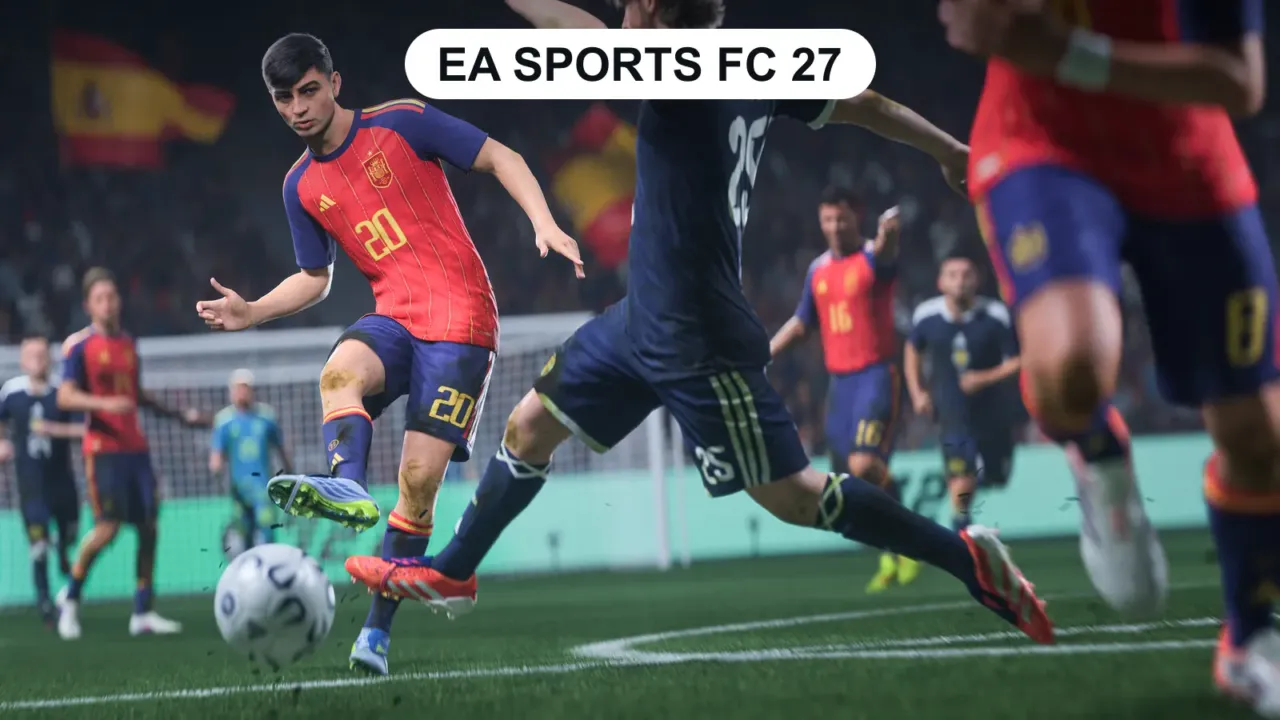
EA Sports FC 27 launched on September 25, 2026 (the evening of September 24 on PC). In the first days of any big game, freezes, black screens and crashes are common. Follow the steps in order: the first ones fix most cases.
In this article
1. Check the requirements
| Minimum | Recommended | |
|---|---|---|
| OS | Windows 10/11 64-bit, up to date | Windows 10/11 64-bit, up to date |
| Processor | Ryzen 5 1600 / Core i5-6600K | Ryzen 7 2700X / Core i7-6700 |
| Memory | 8 GB (dual channel) | 12 GB (dual channel) |
| Graphics card | RX 570 / GTX 1050 Ti | RX 5600 XT / GTX 1660 |
| Storage | 100 GB (SSD recommended) | 100 GB on SSD |
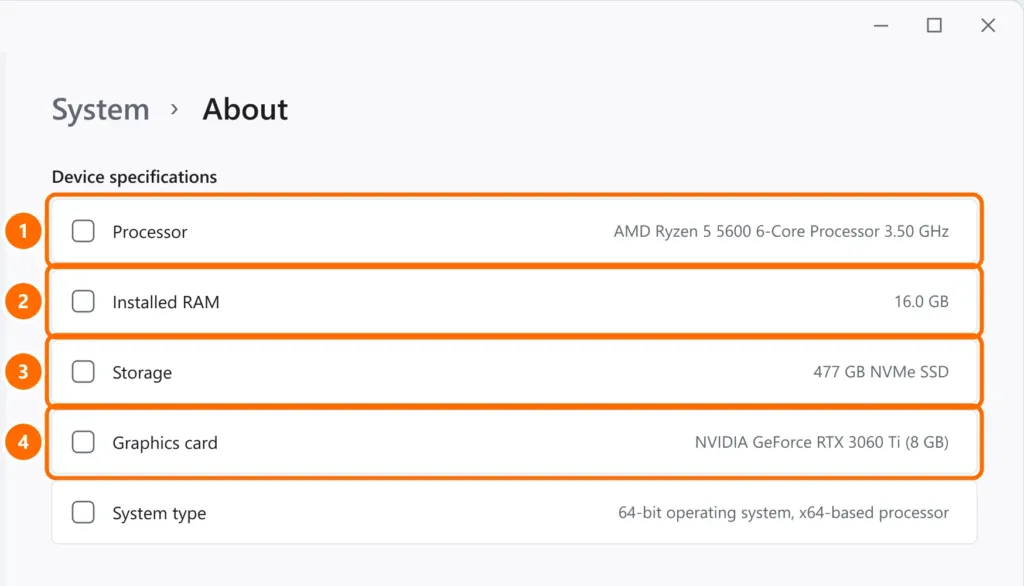
Compare with your PC in Settings › System › About:
2. Restart and update Windows
Restart your PC (don’t just shut it down) and install any pending updates from Windows Update. The game’s anti-cheat system depends on Windows being up to date.
3. Repair the game files
- EA app: Library › three dots on FC 27 › Repair.
- Steam: right-click the game › Properties › Installed Files › Verify integrity of game files.
4. Update your graphics driver
Install the latest version through the NVIDIA App, AMD Software or Intel Arc Control. Manufacturers usually release drivers optimized for big launches.
5. Close overlays and background programs
Overlays from Discord, Steam, NVIDIA/GeForce, MSI Afterburner/RivaTuner and screen recorders can make the game crash or freeze. Turn them off and test again.
6. Anti-cheat conflicts
FC 27 uses EA Javelin Anticheat. Other kernel-level anti-cheat systems, installed by other games, can conflict with it. If the game closes right after the anti-cheat loads:
- Close other games and launchers.
- Try temporarily uninstalling another game’s anti-cheat (you can reinstall it later).
- Never turn off your entire antivirus or download “fixes” from unknown sites.
7. Freezing during matches
- Install the game on an SSD.
- Set Windows to the Best performance power mode and keep your laptop plugged in.
- Check whether your disk is at 100% or you’re running out of memory: Windows 11 slow and freezing.
- Connection drops in Ultimate Team: use an Ethernet cable. See internet keeps dropping on PC.
On console (PS5, Xbox, Switch 2)
- Close the game completely and restart the console (don’t use rest mode).
- Check for a pending game update.
- Free up storage and, on PS5, use Rebuild Database in Safe Mode if the freezes continue.
FAQ
The game launches, but won’t connect to the servers.
It may be EA server instability in the first few days. Check the EA status page and the game’s official social accounts before changing anything on your PC.
Can I get a refund on Steam?
Steam accepts refund requests within 14 days of purchase and with less than 2 hours of playtime.
Sources
Cover image: Electronic Arts press image.