DNS server not responding: how to fix it on Windows
Wi-Fi connects, but websites won’t load and troubleshooting says the DNS server isn’t responding. Here’s how to fix it in minutes — from restarting the router to switching DNS.
Detailed tutorials with screenshots of the error and the right setting to fix Windows, network, phone and app problems.
Wi-Fi connects, but websites won’t load and troubleshooting says the DNS server isn’t responding. Here’s how to fix it in minutes — from restarting the router to switching DNS.
Before replacing the battery or taking it in for repair, test the cable, charger and outlet, carefully clean the charging port and check for moisture and temperature warnings. Here’s the step-by-step for Android and iPhone.
Here’s how to find out which app is draining your battery, the settings that save the most on Android and iPhone, the myths that don’t help and how to tell if it’s time to replace the battery.
Getting a little warm while charging, gaming or using the camera is normal. Heating up while idle, in your pocket, or enough to show a warning is not. Here are the causes, what to do right away and when to get it serviced.
Deleted a photo by accident? In most cases, it’s still in the Trash of your gallery, Google Photos or iCloud for 30 to 60 days. Here’s where to look first, how to recover WhatsApp photos and what to do if the deadline has passed.
Windows 11, Android and iPhone can already record your screen without extra software. Here are the shortcuts, where the videos are saved, how to record with sound and what to do when the recording has no audio.
Step by step to create a Windows 11 installation USB drive with Microsoft’s official tool, boot the PC from it and do a clean install, plus what to check first so you don’t lose your files or your activation.
Windows 11 already zips and unzips files without installing anything, and opens RAR and 7z in the latest versions. Here’s how to compress files to send by email, extract them properly and fix the “compressed folder is invalid” error.
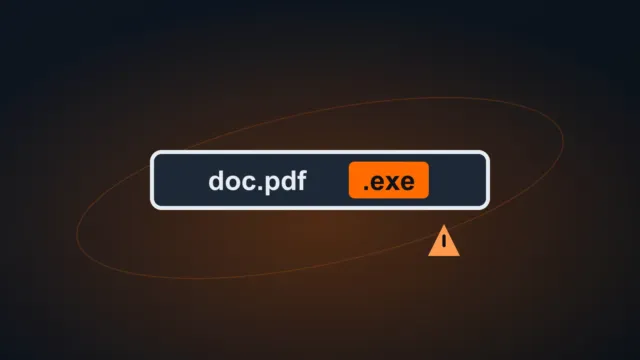
By default, Windows hides the end of file names (.pdf, .docx, .exe). Here’s how to show extensions, what the most common ones are for, how to change an extension safely and how this helps you spot fake files.
Here’s how to back up your WhatsApp chats on Android (Google Drive) and iPhone (iCloud), restore them on a new phone, move from Android to iPhone and what to do when the backup is slow or never finishes.
Forgot your Gmail password, lost your phone number or had your account hacked? Here’s how to use Google’s official recovery, what improves your chances, what to do after you get back in and the “account recovery” scams to avoid.
The @ and " keys are swapped, quotes and apostrophes don’t appear until you press another key, or letters turned into numbers? It’s almost always the keyboard layout that changed because of a shortcut. Here’s how to get back to the US layout and keep it from changing again.