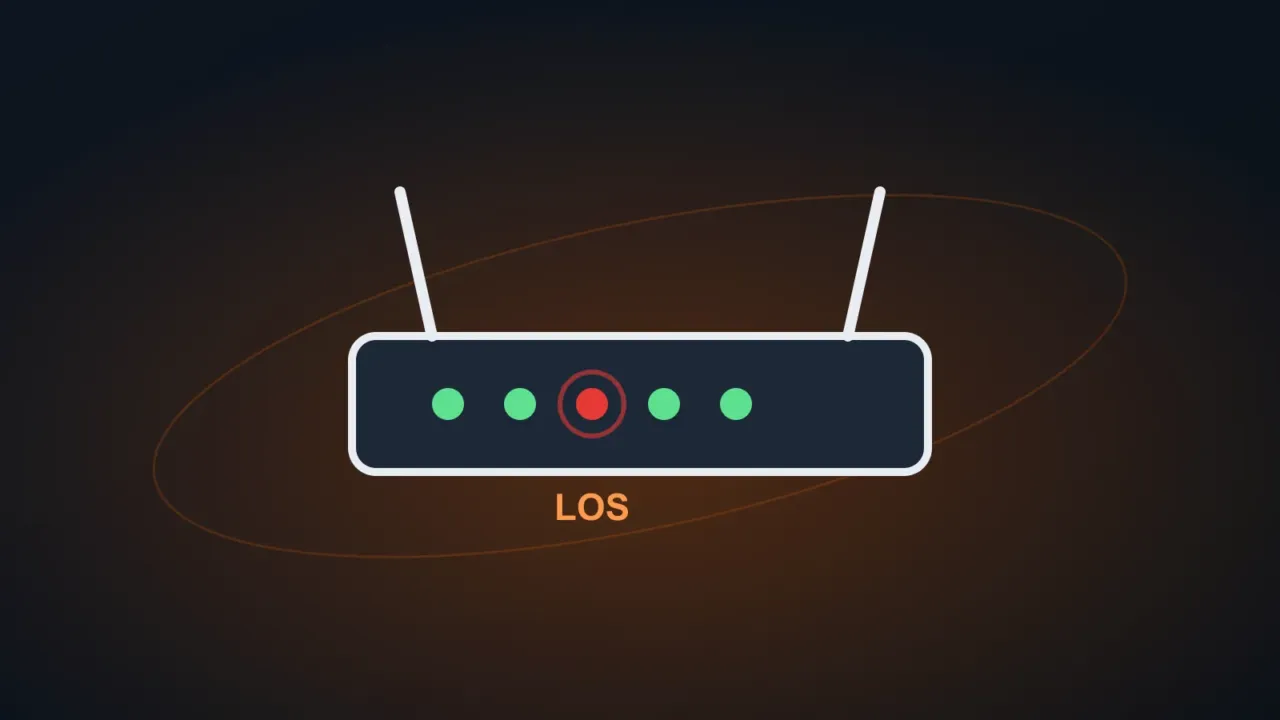
Light names vary a bit between brands and internet providers, but the logic is almost always the same: green or white means all is well; red or orange means a problem; blinking usually means activity or a connection attempt. Check the label or manual for your device to confirm.
In this article
The most common lights on a fiber modem (ONT)
| Light | Status | What it usually means |
|---|---|---|
| POWER | Off | No power: check the power adapter and the outlet |
| PON | Solid | Fiber connected and authenticated with your provider (normal) |
| PON | Blinking | The device is trying to register on your provider’s network |
| LOS | Red (solid or blinking) | Loss of fiber signal: fiber cable bent, loose or broken, or a problem on your provider’s network |
| INTERNET | Red or off | The device couldn’t authenticate or get an internet connection |
| LAN | Off | No network cable connected to that port |
| Wi-Fi / WLAN | Off | Wi-Fi turned off on the device |
What you can fix at home
- Restart: unplug the modem and router for 30 seconds and plug them back in. Wait 2 to 5 minutes.
- Cables: make sure the network cable between the modem and the router is firmly connected at both ends (the router’s WAN/Internet port).
- Power adapter: use the original adapter. Swapped or faulty adapters make the device restart on its own.
- Heat: a device sitting on top of other electronics, inside a cabinet or in the sun overheats and shuts down. Keep it in a well-ventilated spot.
- Power outages: if the red light appears after a power outage and doesn’t go away, it may be electrical damage. See UPS vs surge protector.
Router turning off or restarting by itself
- Power adapter or outlet with a loose connection: try another outlet, without a splitter.
- Overheating: check whether the device is very hot to the touch.
- Automatic firmware updates: some restart overnight to update; this is normal.
- Old device: routers with many years of use start to freeze. Your internet provider usually replaces its own equipment at no cost.
When the lights look normal, but there’s no internet
See connected, no internet and internet keeps dropping. To get into your router’s settings, see how to access your router.
FAQ
Can I reset the router with the button on the back?
You can, but a reset erases all settings (Wi-Fi name and password and, on some provider-supplied models, the internet access configuration). Only do it if you know how to set it up again or with guidance from your internet provider.
The light turns orange instead of red.
On many devices, orange also means no internet connection. The reasoning is the same: restart, check the cables and, if it continues, contact your internet provider.