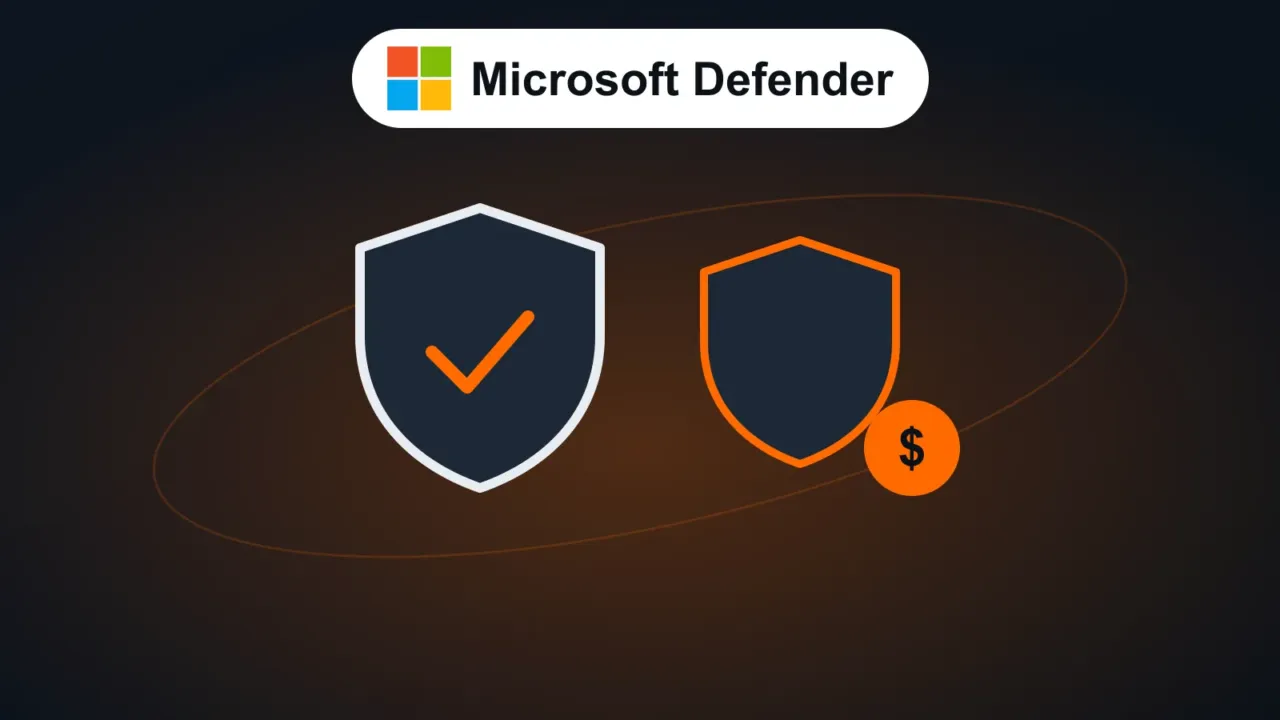
Microsoft Defender Antivirus (formerly Windows Defender) comes turned on in Windows 11 and is updated automatically through Windows Update. In independent tests, such as those by the AV-TEST lab, it has shown detection rates on par with the best-known paid antivirus products for years.
Short answer: for home use and most small offices, Defender is enough, as long as it’s turned on and up to date and you keep up the other habits below.
In this article
Check that Defender is protecting you
Open Windows Security › Virus & threat protection › Manage settings and make sure Real-time protection is On.
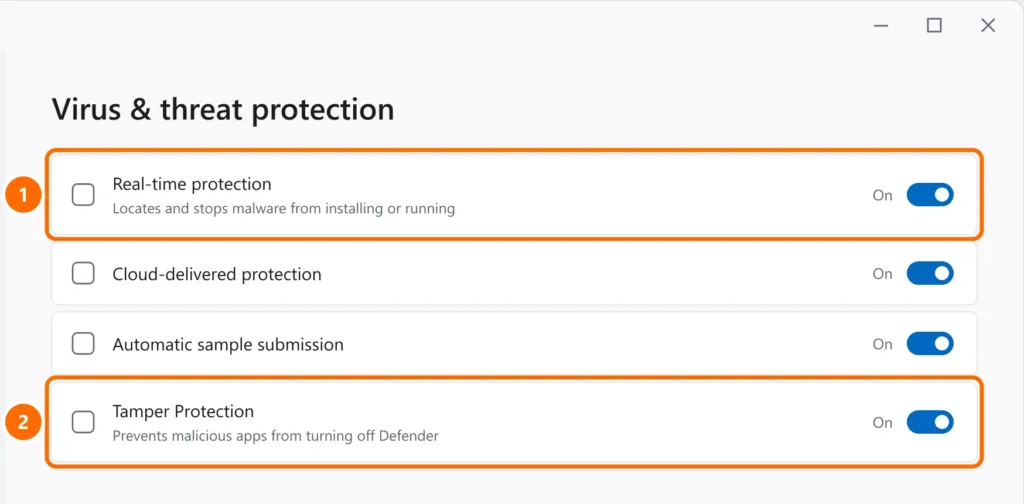
If it shows as off or “managed by your organization”, see Windows Defender turned off.
What a paid antivirus adds
| Feature | Defender (free) | Paid suites (in general) |
|---|---|---|
| Real-time and ransomware protection | Yes | Yes |
| Firewall | Yes (Windows Firewall) | Yes (their own) |
| Browsing protection against fake sites | Yes, in Edge (SmartScreen) | Yes, in several browsers |
| Folder protection against ransomware | Yes (Controlled folder access, off by default) | Yes |
| VPN, password manager, advanced parental controls | No | In many plans |
| Protection for phones and Macs in the same plan | No | In many plans |
| Phone tech support | No | Yes |
In other words: a paid antivirus is usually worth it for the extras (VPN, passwords, multiple devices, support), not because it catches many more viruses.
When a paid (or business) solution makes sense
- Businesses with customer data: ideally a managed solution, where someone monitors alerts from every computer in one dashboard. Microsoft Defender for Business (included in Microsoft 365 Business Premium) does this.
- Families with several devices (Windows, Mac, Android, iPhone) who want everything in one place.
- People who want support from a person when something goes wrong.
What protects you more than any antivirus
- Up-to-date Windows and programs: most attacks exploit flaws that have already been fixed.
- Strong, unique passwords and two-step verification. See strong passwords and password managers.
- Being suspicious of links and attachments: no antivirus stops you from typing your password into a fake site. See how to spot phishing.
- A backup off the computer, so you don’t depend on anyone in case of ransomware.
FAQ
Is a free antivirus from another brand better than Defender?
Not necessarily. Many free ones show ads and keep pushing you to buy the paid version. If you use another free one, pick a well-known brand and download it only from the official site.
Does Defender slow down my PC?
It can during a full scan. If the disk is stuck at 100%, see 100% disk usage in Windows 11.