VLOOKUP returns #N/A but the value is there: how to fix it
VLOOKUP returns #N/A even though the code is in the table? Find the invisible difference (a space, a number stored as text, approximate match) and fix it for good.
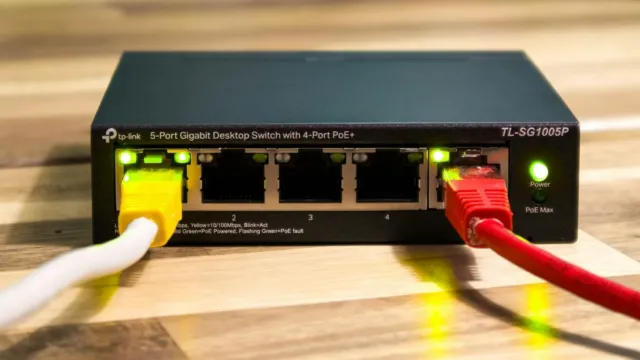
Seeing the IP address conflict warning on an office PC? Here's how to find the device using the same IP, put Windows back on automatic and organize the network so the warning doesn't come back.
Outlook says your mailbox is full and email has stopped going out or coming in? Check your account's limit, see what's taking up space and free it up without losing what matters.
Find out why Remote Desktop Connection can't reach the office PC and check the Windows edition, user permission, port 3389, the firewall and the credentials.
USB printer plugged into just one computer? Here's how to share it on the network in Windows 11, add it on the other PCs by name or IP, and fix errors 0x0000011b and 0x00000709.
Your PC started up asking for the BitLocker recovery key? Here's where the key is stored, why the screen appears and how to keep every computer's key on record.
A spare router can carry Wi-Fi to the back room. See which mode to use and how to set it up without breaking shared printers and folders.
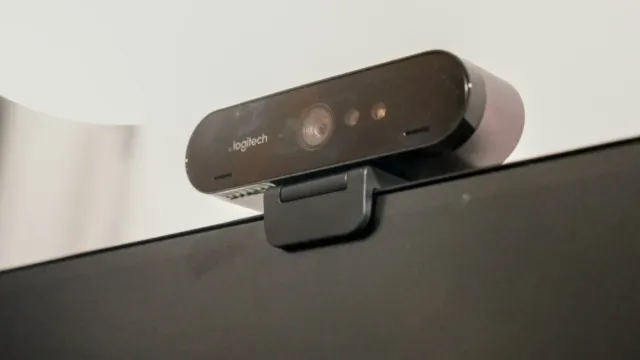
Black image, "We can't find your camera" or error 0xA00F4244 before a meeting? Find whether the cause is the shutter, Windows privacy, the driver, or Teams and Meet.
Laptop keyboard stopped working, some keys don't respond or letters type numbers? Follow five steps to tell a hardware fault from a setting before sending it for repair.
Can't get onto the office VPN from home? Separate network, account and server problems, review the Windows 11 VPN profile and understand FortiClient errors -14 and -7200.
Excel freezing with “Not Responding”, taking ages to open or refusing a file? Find out whether the problem is the PC, the workbook or the network, and fix it in the right order.
Is Outlook showing error 0x800CCC0E, or are your emails stuck in the Outbox? Find out whether the fault is in the account, the network or the app, and apply the right fix.