Skip to content
TECHNOARTH IT for offices and small businesses.

Tutorials Page 2

Detailed tutorials with screenshots of the error and the right setting to fix Windows, network, phone and app problems.

Router red light, LOS blinking or turning off: what to do

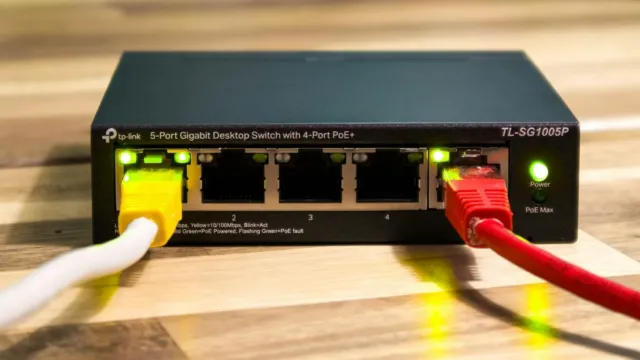
Red LOS light, blinking PON, red internet light or an office router that restarts by itself? See what each signal usually means, how to tell in two minutes whether the fault is your provider's or your own network, and what to have ready when you call support.

7 min read

Epson L3250 lights blinking or not printing: office guide

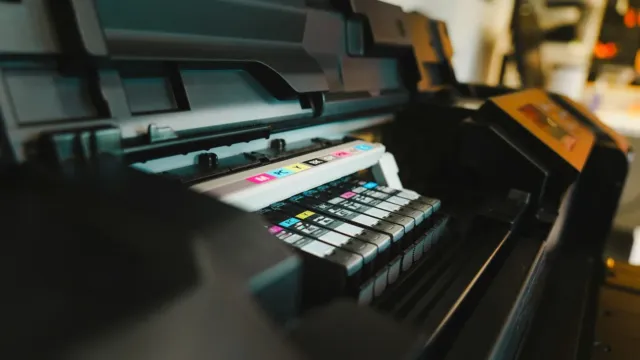
Paper light blinking, ink and paper lights blinking together, every light flashing or a Wi-Fi error: here's what each combination means on the Epson EcoTank L3250 (and close relatives such as the L3150 and L3251) according to Epson's manual, how to clean the print head without wasting ink, and how to keep the printer stable for several office PCs.

7 min read

File Explorer “Not Responding” in Windows 11: how to fix it

File Explorer is slow to open, shows “Not Responding” or closes by itself? In an office, the cause is usually a network folder that doesn’t answer, a drive mapped to a server that’s off, OneDrive or a program hooked into the right-click menu. Find out which one and fix it on each PC.

7 min read

How to zip and unzip files, and fix a ZIP that won’t open

Windows 11 zips and unzips files without installing anything and, in recent versions, opens RAR and 7z too. Here's how to build a ZIP for your accountant or a client, extract it without long-path errors, deal with blocked or password-protected ZIPs and what to do when you see "The Compressed (zipped) Folder is invalid".

7 min read

How to show file extensions in Windows 11 (and spot fakes)

Windows hides the end of file names (.pdf, .xlsx, .exe), and that makes attachment scams easier. Learn how to show extensions on every office PC, recognize dangerous files, deal with blocked attachments in Outlook and choose the app that opens each type.

7 min read

Keyboard typing wrong characters in Windows: how to fix it

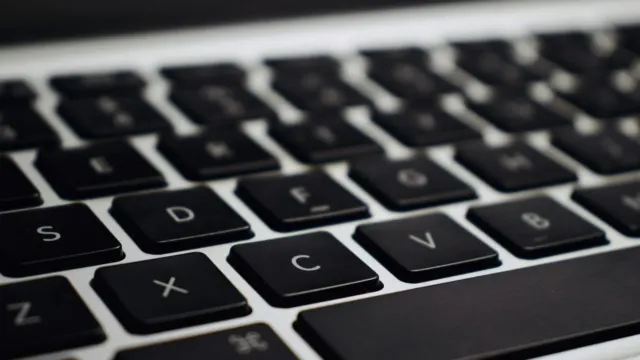
The @ and " keys are swapped, # types £ or quotes vanish until you press another key? It's almost always the Windows keyboard layout switched by a shortcut. Learn how to spot the right layout, keep only that one installed and stop it coming back on office PCs.

7 min read